
2025-04-14 02:14:24
1.5k
88
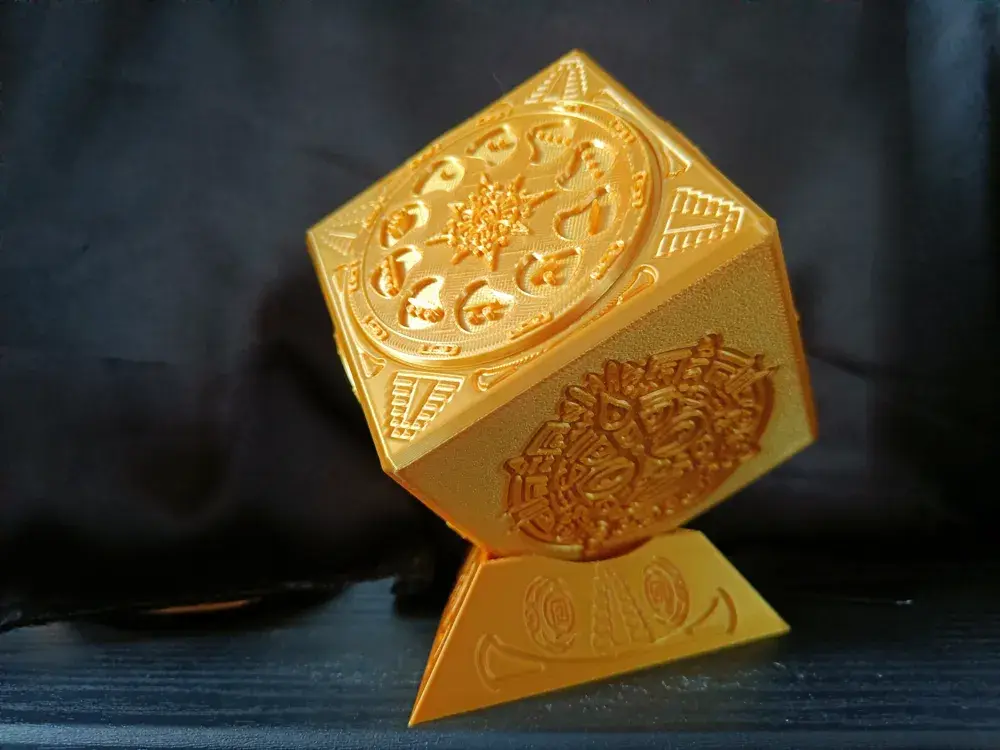
Aztec Dual Lock Box Now with Stand

@PlaDreams_4057917
Donate
Message
Follow
Recommended printing method
Add
4 plates
Kobra S1
/ Plates:4
/ 0m
30
Share


Description
Let me start for giving credit to 3d-printy and Never0dd0reveN for their designs from where i took inspiration.
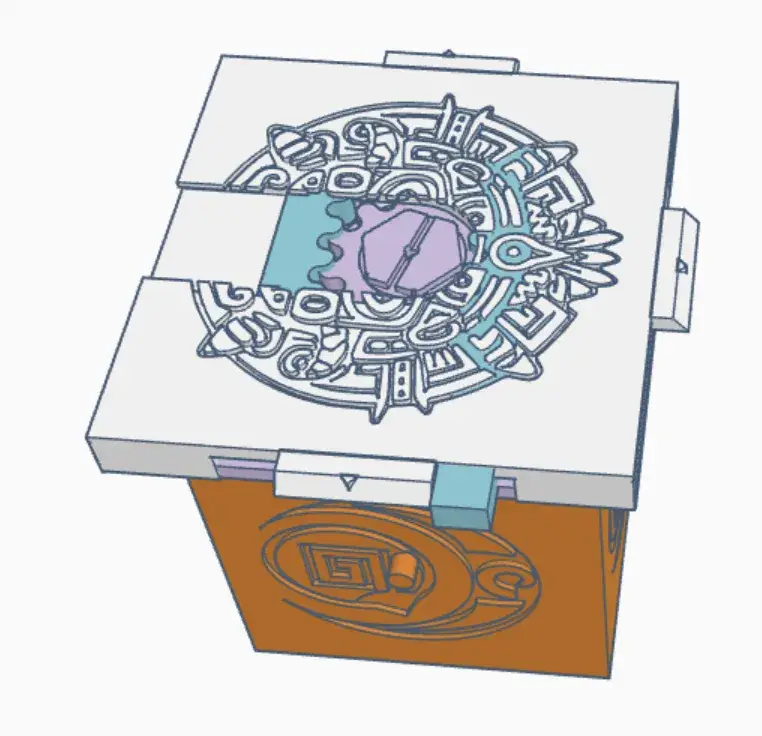
This is an Aztec design box with dual lock. Numbers and a Key.
This is a precise print but can be achieved using a 0.4 nozzle. For older printers a 0.2 might be better
https://www.youtube.com/watch?v=McYBQC3RA70
Everything was remade in Tinker Cad
Print Settings
- Printer brand: X1C
- Rafts: No
- Supports: Yes
- Resolution: 0.2 mm
- Infill: 15 %
- Wall Generator: Arachne
Only parts that need support is the “lid” and “cover” (cover can be printed without supports if you turn it over but shine wont match “key cover”
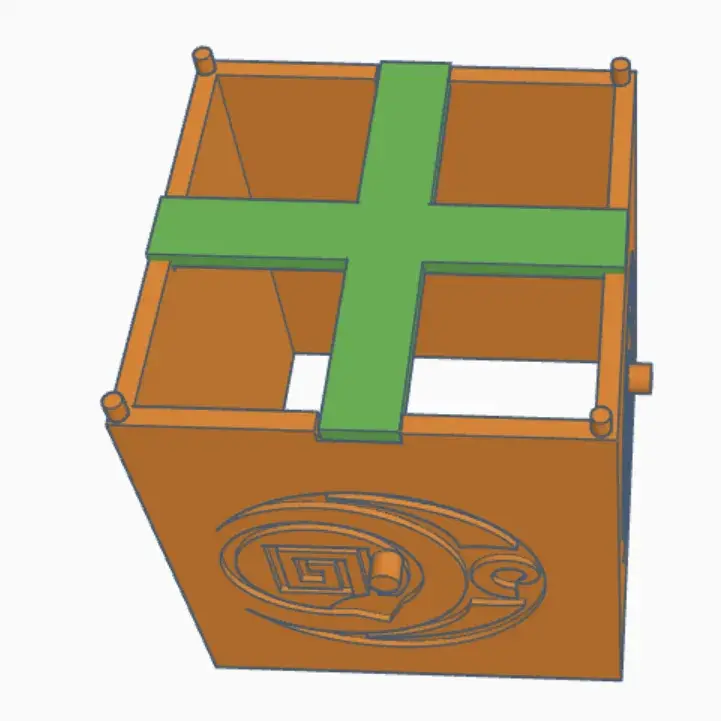
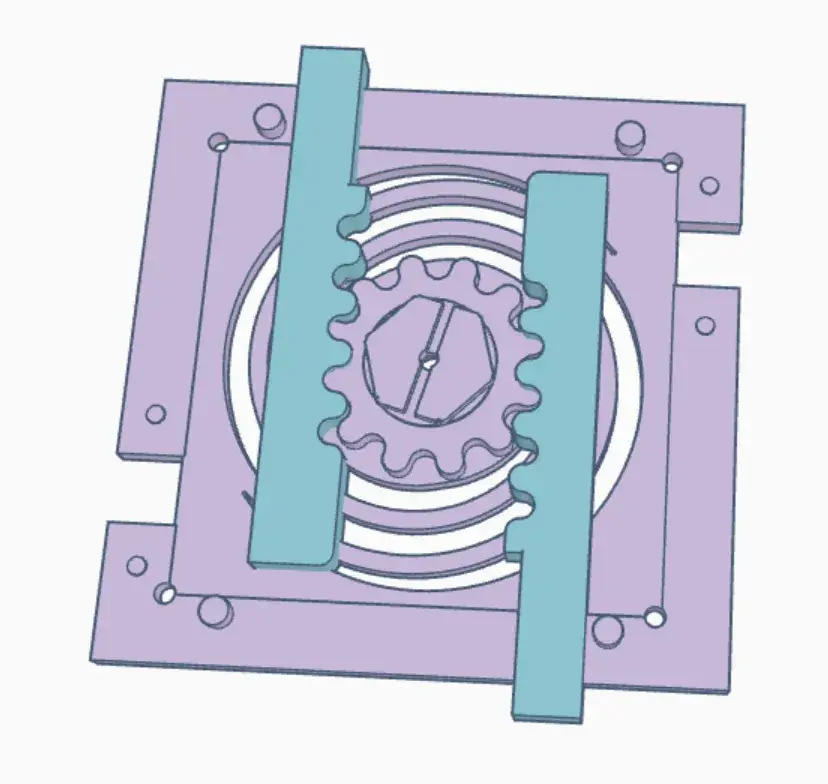
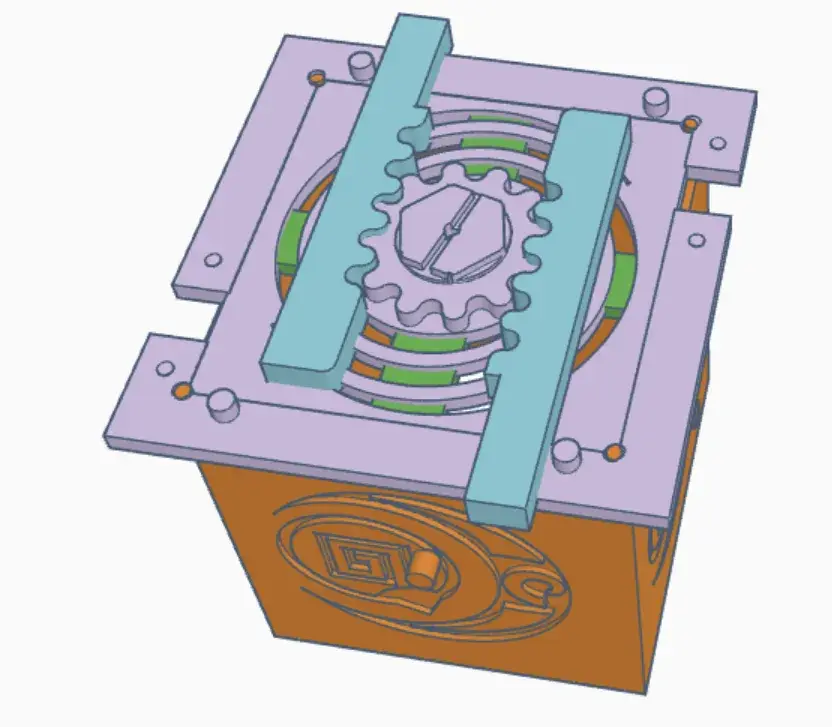
- Start by inserting one of the inner wheels through one of the holes of the Body. Check to see if can rotate without too much resistance, but also doesn't wobble around. Put a dab of glue on the outer dial and press it into position against the teeth of the Inner Wheel.To choose number, point the inner wheel opening to top and choose number before gluing
- Push core into place. No glue necessary as it should click.
- Make sure Key cover can slice without too much resistance. Its normal to have some at start but a few in and outs will loosing it up
- For the lock:- Put Support into Lid cuts- Glue spring to Lid facing up- Insert both latch leaving a bit out- Glue Cover into Spring
Assembly video
https://www.youtube.com/watch?v=Qi_ikgEUDp8
Tags
License
