
Calibrated filament profiles for Anycubic Kobra S1 (Sunlu - Elegoo - Geetech - AzureFilm)


Upload History:
- Geetech PLA Silk - 08/02/2026
- Elegoo PLA Plus - 09/02/2026
- AzureFilm PETG HyperSpeed - 09/02/2026
- Sunlu TPU 95a - 16/02/2026
- Sunlu PLA Plus - 17/02/2026
- Elegoo Rapid PETG - 18/02/2026
- Soleyin Ultra Fast PLA - 19/02/2026
- Sunlu PETG High Speed - 04/03/2026
Coming Soon:
- Anycubic ASA
- Anycubic PC
Important Notes
Hi everyone, in this model I’ll upload all the filament profiles I manually calibrate using the calibration menu in Anycubic Slicer Next. Specifically, I perform the following calibrations:
- Temperature
- Max volumetric speed
- Pressure advance
- Flow
- Retraction
All calibrations are performed on an Anycubic Kobra S1 equipped with an original Anycubic full-metal extruder and a 0.4 mm brass nozzle.
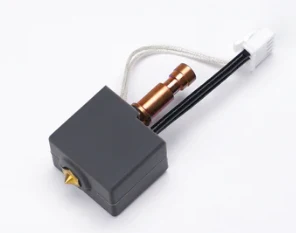
In the settings for all PLA filaments, you’ll find the auxiliary fan speed set to 10%, because after extensive testing I found that excessive, direct airflow from the auxiliary fan can ruin prints in certain areas. Feel free to set the value to whatever you think works best.
Useful Information on Presets
Geetech PLA Silk – The temperature has been set to 230°C for enhanced gloss. If a more matte color is desired, tests have shown high quality up to 215°C. It is not recommended to go below this temperature.
AzureFilm PETG HyperSpeed – The best printing temperature for finish and overhangs is 240°C. However, if printing at speeds greater than 180mm/s, you can set the temperature to 245°C without losing quality. Unlike other filaments that are more tolerant to temperature, this one shows a significant decrease in quality above 255°C.
Elegoo Rapid PLA Plus - Great filament, nothing to report.
Sunlu TPU 95a - For excellent print quality, it is recommended not to exceed 80mm/s. If printing in an open chamber, it is advised to turn off the auxiliary fan and the exhaust fan.
Sunlu PLA Plus - Great filament, nothing to report.
Elegoo Rapid PETG - Great filament, nothing to report.
Soleyin Ultra Fast PLA - Terrible filament—its poor material quality is noticeable even to the touch. The softening temperature is lower than normal; unlike other PLAs, it’s not recommended to print it with the dryer on unless you want clogging issues. It’s marketed as Ultra Fast, but there’s nothing fast about it: the volumetric flow is lower than other PLAs that aren’t even labeled fast. In terms of behavior, it’s closer to a matte PLA, except the quality is genuinely awful. I wouldn’t recommend buying it to anyone.
Instructions
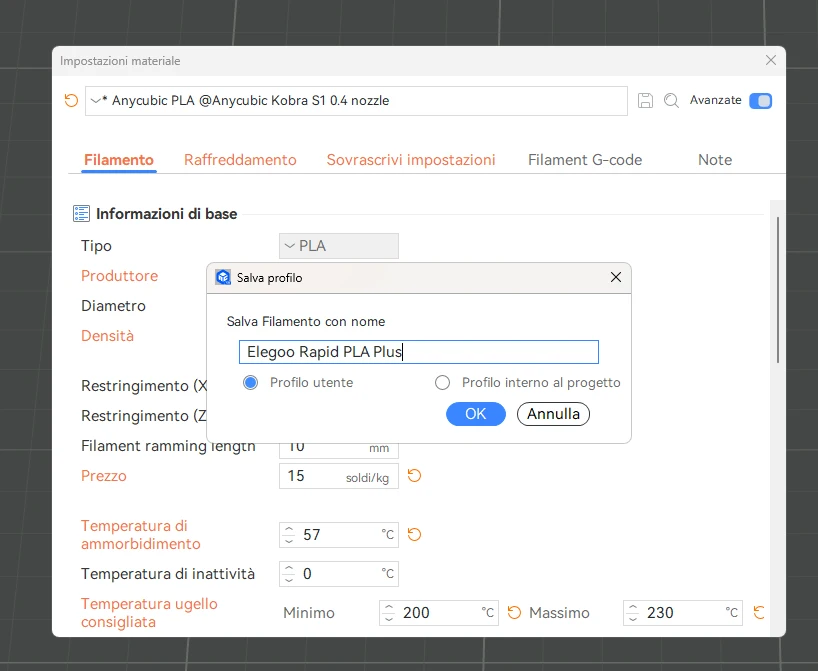
- Download the .3MF file.
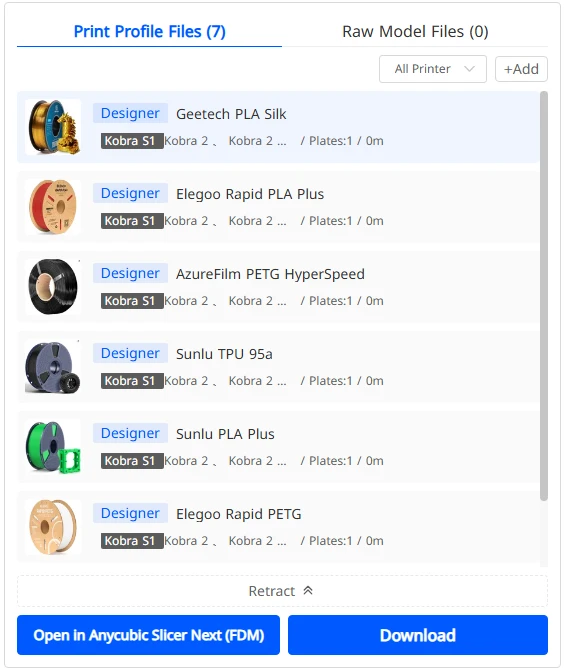
- Open it in Anycubic Next.
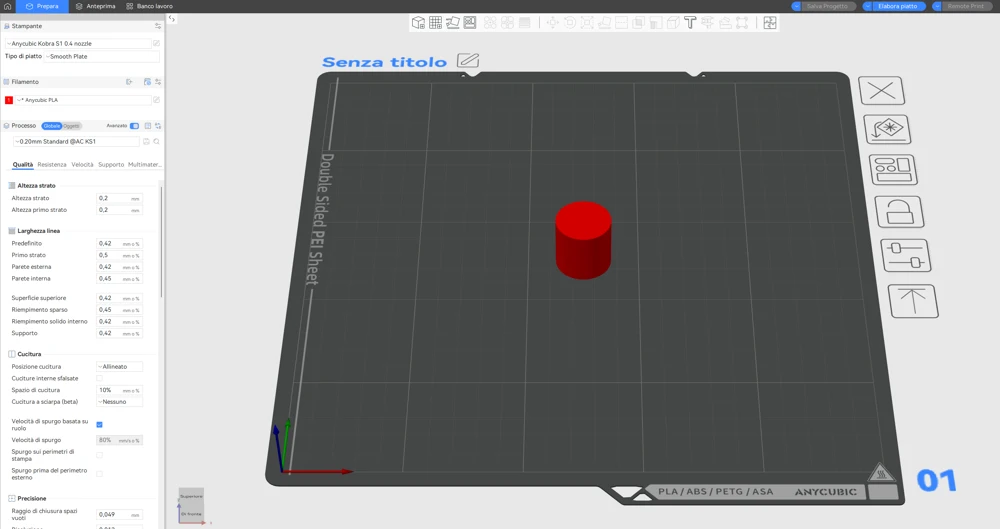
- Go to Filament Settings (Edit Filament).
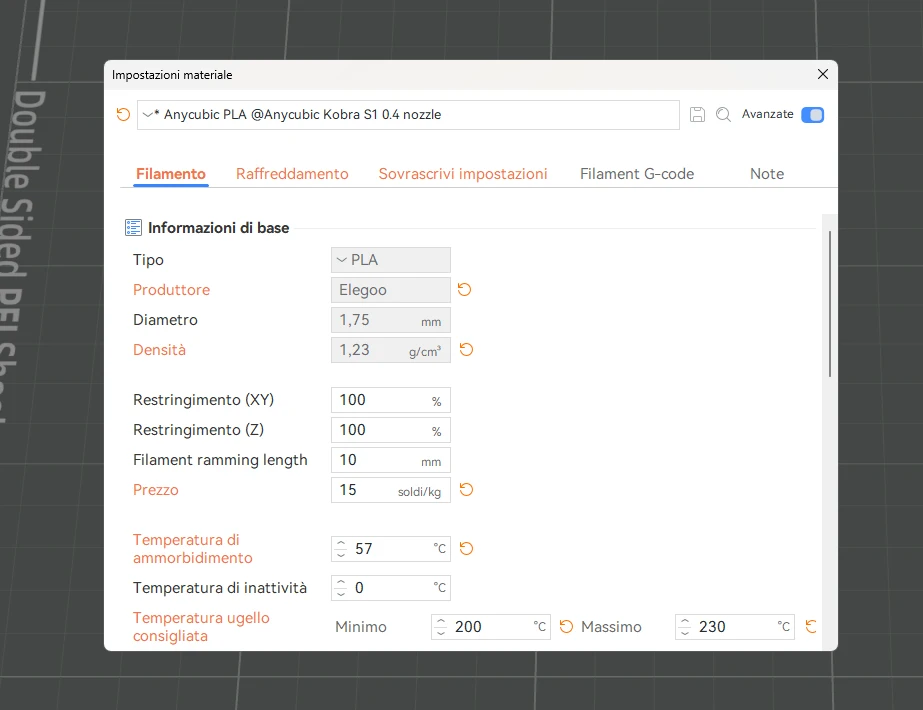
- Rename and click Save
Leave a like and give me a boost if you found the profiles useful—thanks!
You are prohibited from sharing, sub-licensing, selling, renting, hosting, transferring, or distributing the digital file or 3D printed versions of this object, as well as any other derivative work in either digital or physical form (including remixes).You are not allowed to use the objects in any manner that involves charging money or collecting fees without permission.
