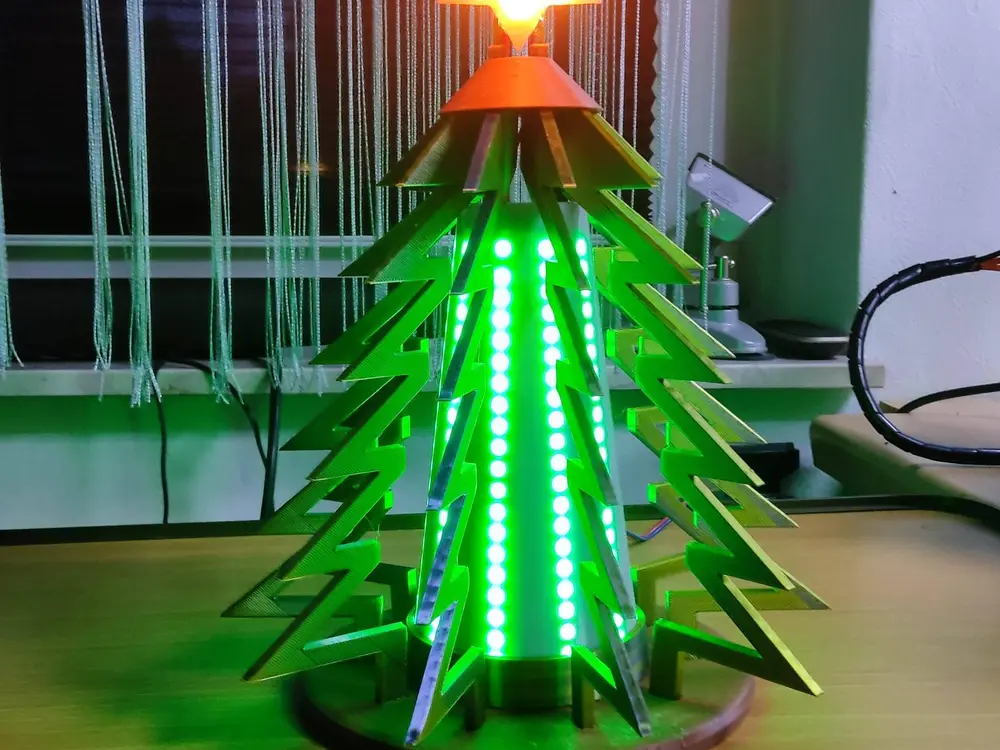
Christmas Lamp "Snowflake" with ESP32 and WLED


*** Watch my Video on YOUTUBE: ***
Fashionable Christmas lamp "Christmastree" with LED lighting. With the installed WLED software you can create great effects. Anyone can install and set up the software within 10 minutes. It is controlled via an APP from any PC, tablet or phone. Ideal as a beginner's project. Use of my instructions is at your own risk. If you encounter any problems, just ask an AI (e.g. GEMINI from Google). As always: Have fun with the Christmas project and a Merry Christmas.
Have you ever done a small LED project with an ESP32 and WLED? My Christmas lamp gives you a quick insight into the topic. It may sound difficult, but it's very simple. The material costs for the required parts are around €20 on Aliexpress.
You will need:
1x ESP32
approx. 1.5m LED strip WS2811 or WS2812 (10 strips each approx. 140mm - 20 LEDs are required)
1x Christmas star 4cm
1x small switch
1x old phone charger
- To install, open the "install.wled.me" page in any browser. Connect the USB cable to the computer and the ESP32.
- Click on <install> in the browser. A window opens and select the ESP32 there and install it with <OK> (2 min.) and follow the instructions and enter the WLAN data.
- Then go to <Visit Device> and set up the LED strips. To do this, go to <conp> and call up <LED settings>. Under "Maximum power supply current" enter 1100 (200 LEDs x 55ma = 1100). Under "Length" enter <200> and data GPIO=16. Exit the window with <save> and open <2D settings>.
There are many videos on YOUTUBE showing how to set up an ESP32 under WLED. Very easy!