
2026-02-09 21:25:10
594
18
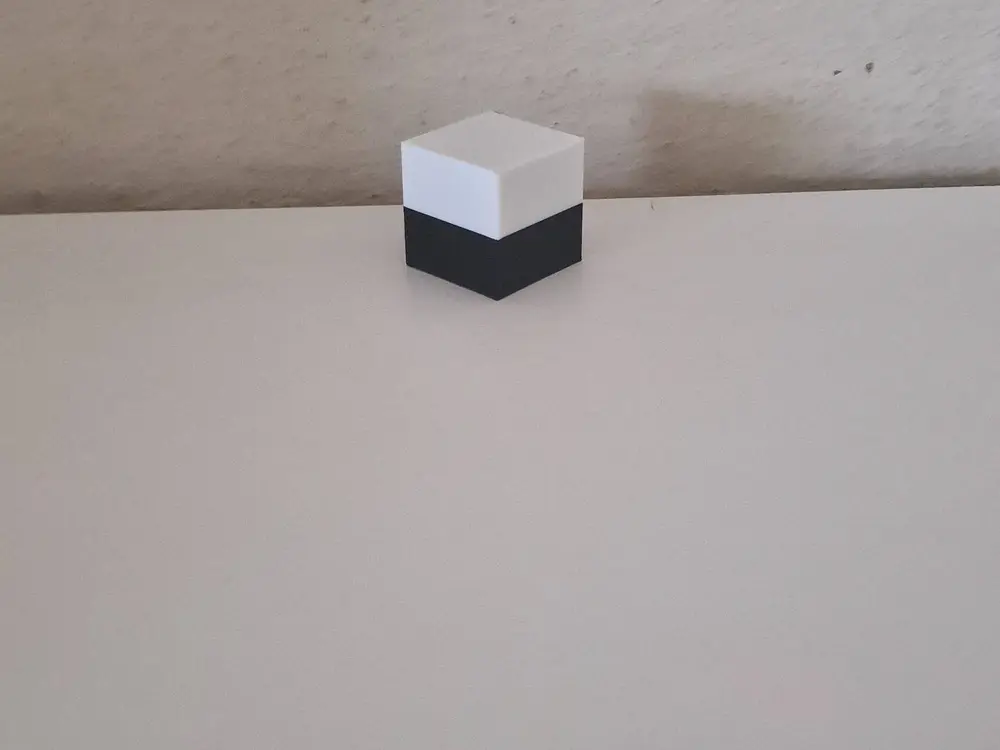
Multicolor cube no AMS

@TimC_2771106
Donate
Message
Follow
Recommended printing method
Add
cube
Kobra X
Kobra 3
、
Kobra 2
、
Kobra S1
、
Kobra 4
、
Kobra 3 V2
、
Kobra 3 Max
、
Kobra 2 Max
、
Kobra 2 Pro
、
Kobra 2 Neo
、
Kobra 2 Plus
/ Plates:1
/ 24m
0
Share


Description
Two‑Color Cube Model (Printed Without AMS)
This cube model is designed for two‑color 3D printing without an AMS or multi‑material unit. The color change is handled through a pause inserted in the G‑code, allowing you to manually swap filament during the print.
The model is divided into two color regions. When the printer reaches the designated layer, it will automatically pause and wait for you to load the second filament. After confirming the change, the print continues with the new color.
How to Print
- Import the model into your slicer (Bambu Studio, PrusaSlicer, Cura, etc.).
- Enable “Pause at height” or “Filament change (M600)”, depending on your printer.
- The slicer will insert a pause at the correct layer for the color transition.
- When the printer pauses, replace the filament and resume the print.
Advantages
- No AMS/MMU required.
- Simple and reliable manual color change.
- Works on any printer that supports pause or M600 commands.
Note
If your printer does not support M600, use a standard Pause at Layer/Height function instead.
This model requires only one color change.
Tags
License
