
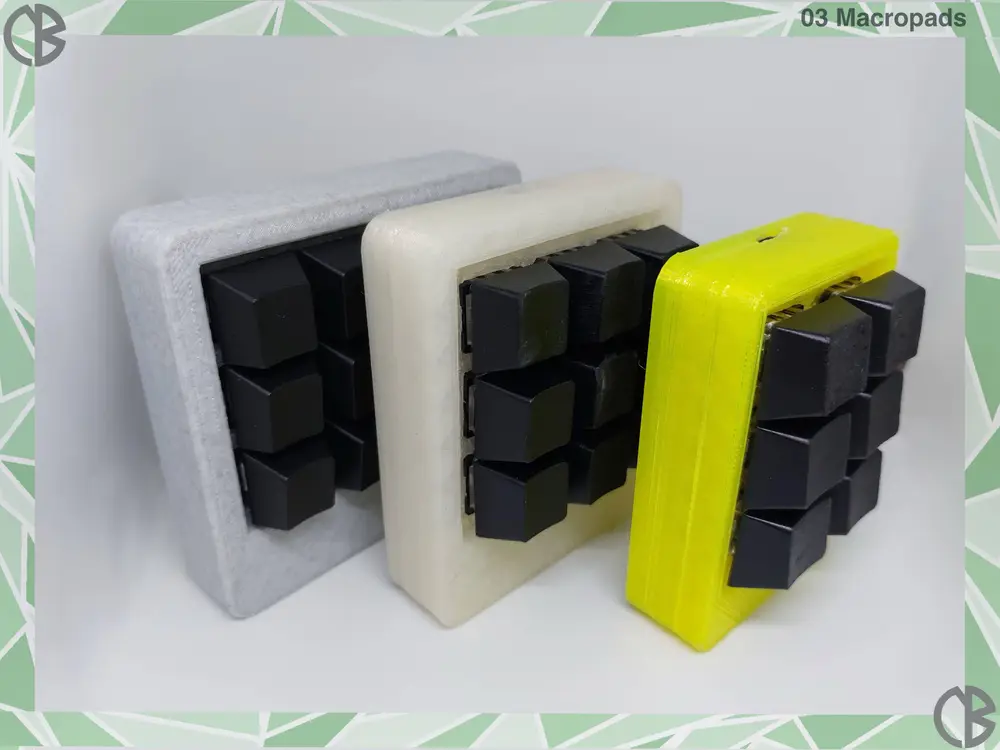
N_B_ Macropads


Summary
A macropad is a programmable keypad where each key can be assigned a specific key combination or command, allowing the connected device to perform various functions with a single press.
This can simplify, speed up, and make more accessible tasks that usually require multiple simultaneous key presses, making it especially useful in consumer computing.
I’ve designed three simple shell models for macropads:
- A 6-button Micro
- A 9-button Mini
- A 12-button Standard
Each model features a body that holds the switches and electronics, along with a screw-on lid.
Post-Printing
Requirements:
To build a complete macropad, you’ll need:
- An Arduino Pro Micro board
- Blue Cherry MX switches
- Keycaps for the switches
- Inserts for 0.4 M3 screws
- A soldering iron
- Tin wire
- Copper wire
- Solderable cables
- M3 Screws
Assembling:
Assembly is straightforward:
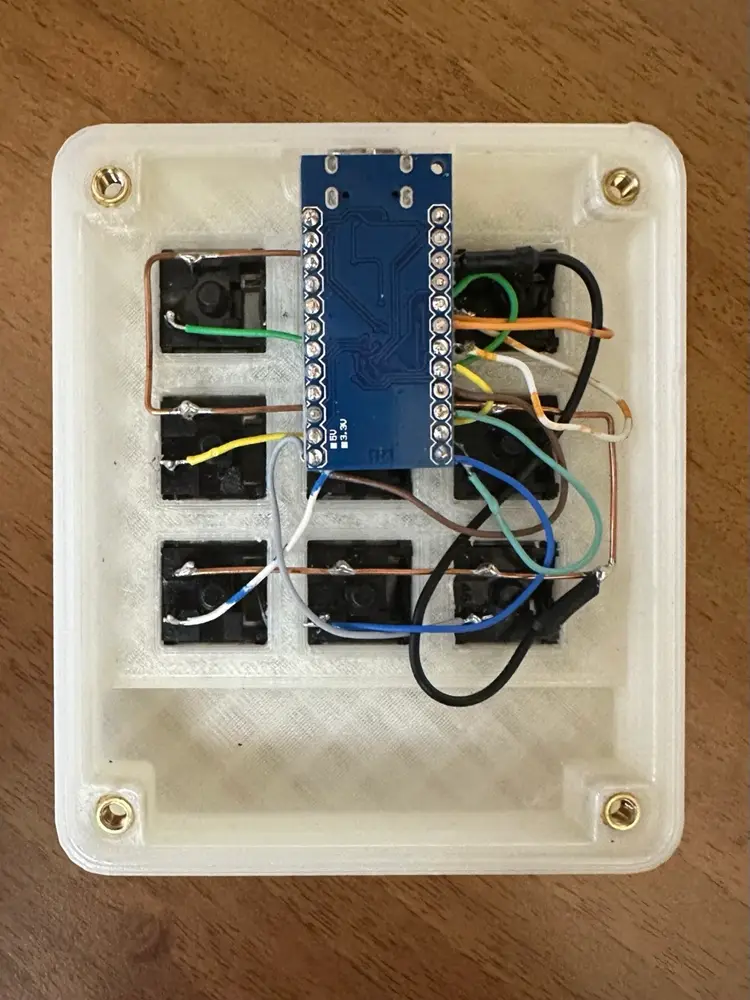
1)Place the mechanical switches into their housings.
2)Solder the ground terminals of each switch together using copper wire, and
connect them to the ground of the Arduino board.
3)Solder each signal terminal to a separate digital GPIO port on the board.
4)Finally, program the Arduino board so that each key sends the desired key
combination to the HID interface when pressed.
*The micro version of the macropad is designed for slightly longer keycaps than standard ones.
**My Macropads are a totally FREE project
