
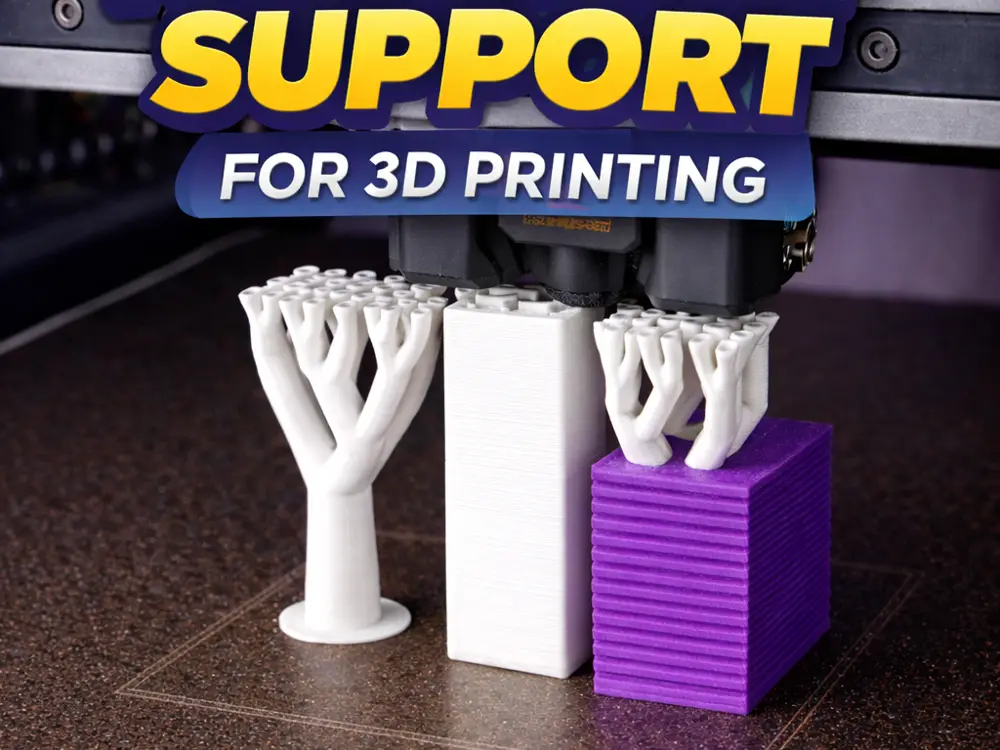
Print Saver – Recovery Support Block


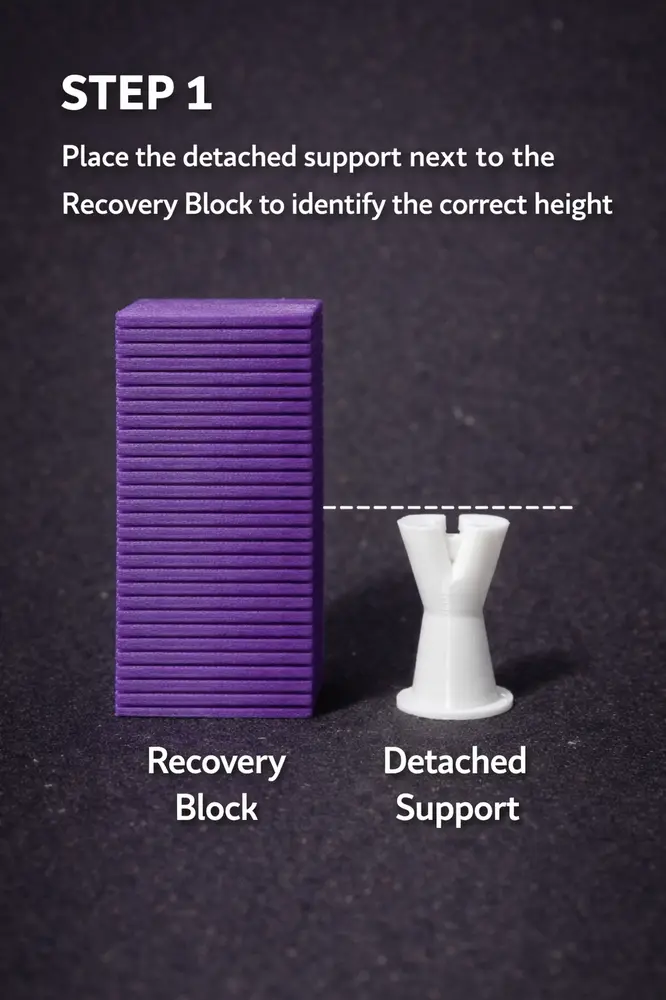
STEP 1 – Height Reference
Place the detached support next to the Recovery Block to identify the exact failure height.
Align the top surface of the detached support with the layered structure of the Recovery Block.
This allows you to visually determine the precise layer where the support detached.
The Recovery Block acts as a physical height reference for accurate restoration.
STEP 2 – Precision Measurement
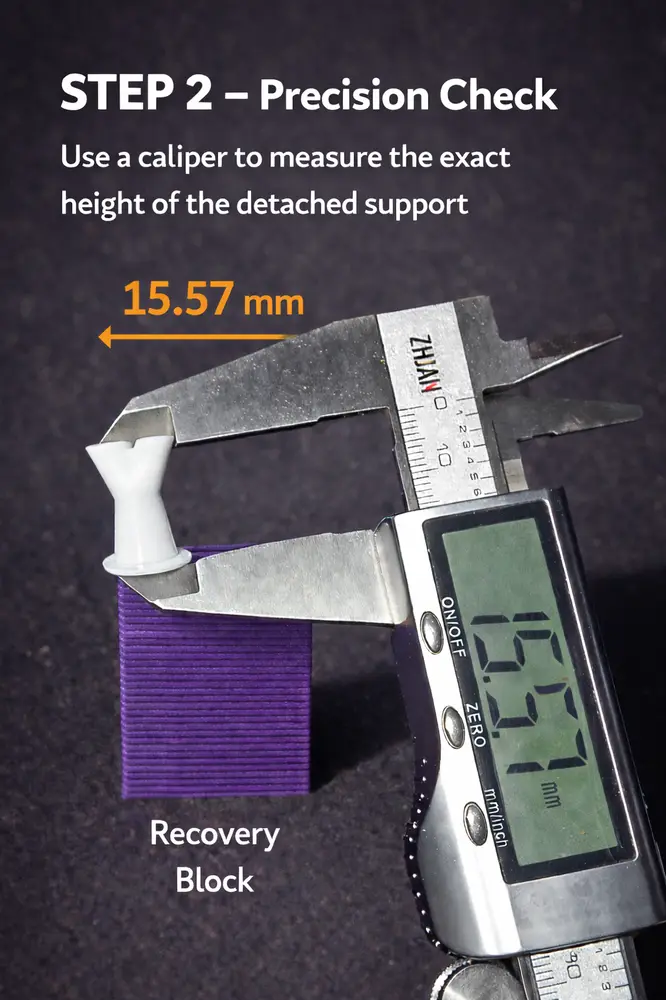
Use a digital caliper to measure the exact height of the detached support.
Record the measurement (e.g., 15.57 mm) to ensure precise alignment.
This step eliminates estimation errors and guarantees accurate matching before cutting the Recovery Block.
Precision here directly impacts the success of the recovery.
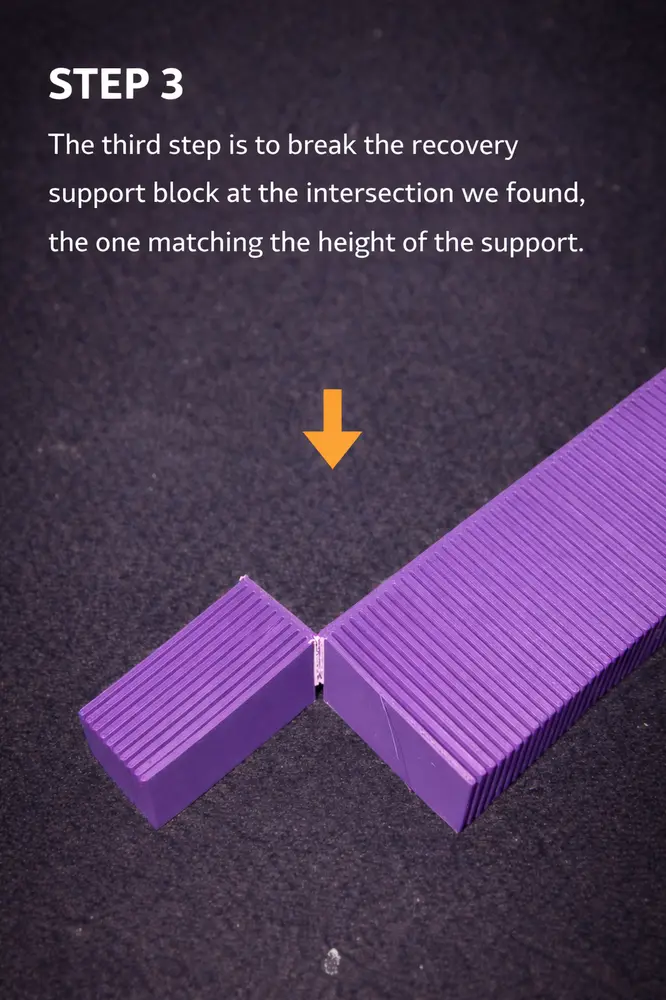
STEP 3 – Block Adjustment
Break the Recovery Block at the layer corresponding to the measured height.
Separate it cleanly at the exact intersection identified in the previous steps.
This creates a support base that matches the detached support’s height.
Accuracy in this cut ensures seamless print continuation.
STEP 4 – Height Verification
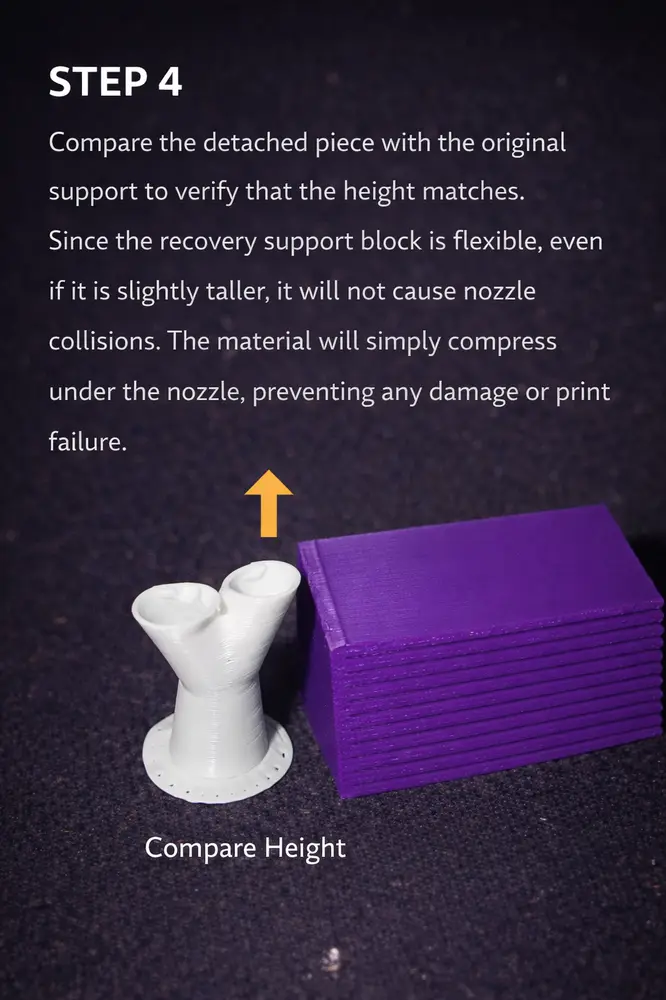
Compare the adjusted Recovery Block with the detached support to confirm they match.
Since the Recovery Block is slightly flexible, minor height differences will not cause nozzle collisions.
If marginally taller, the material will compress safely under the nozzle without damaging the print.
This flexibility adds a safety margin during recovery.
STEP 5 – Secure Attachment
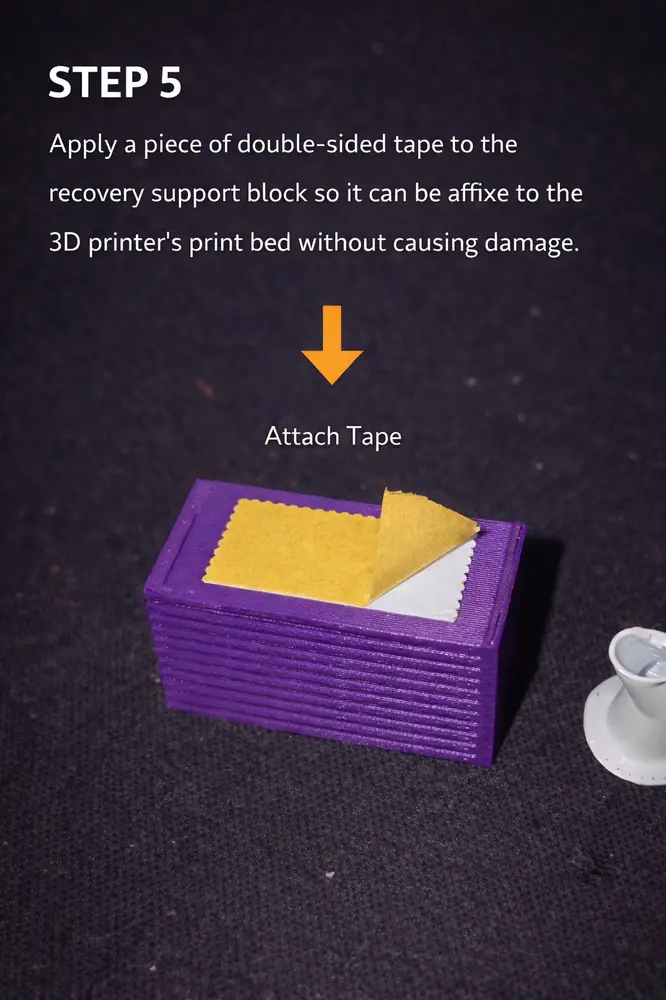
Apply a piece of double-sided tape to the bottom of the adjusted Recovery Block.
This allows you to securely attach it to the print bed without damaging the surface.
Ensure firm adhesion to prevent movement during print resumption.
A stable base is critical for successful recovery.
FINAL STEP – Resume Printing
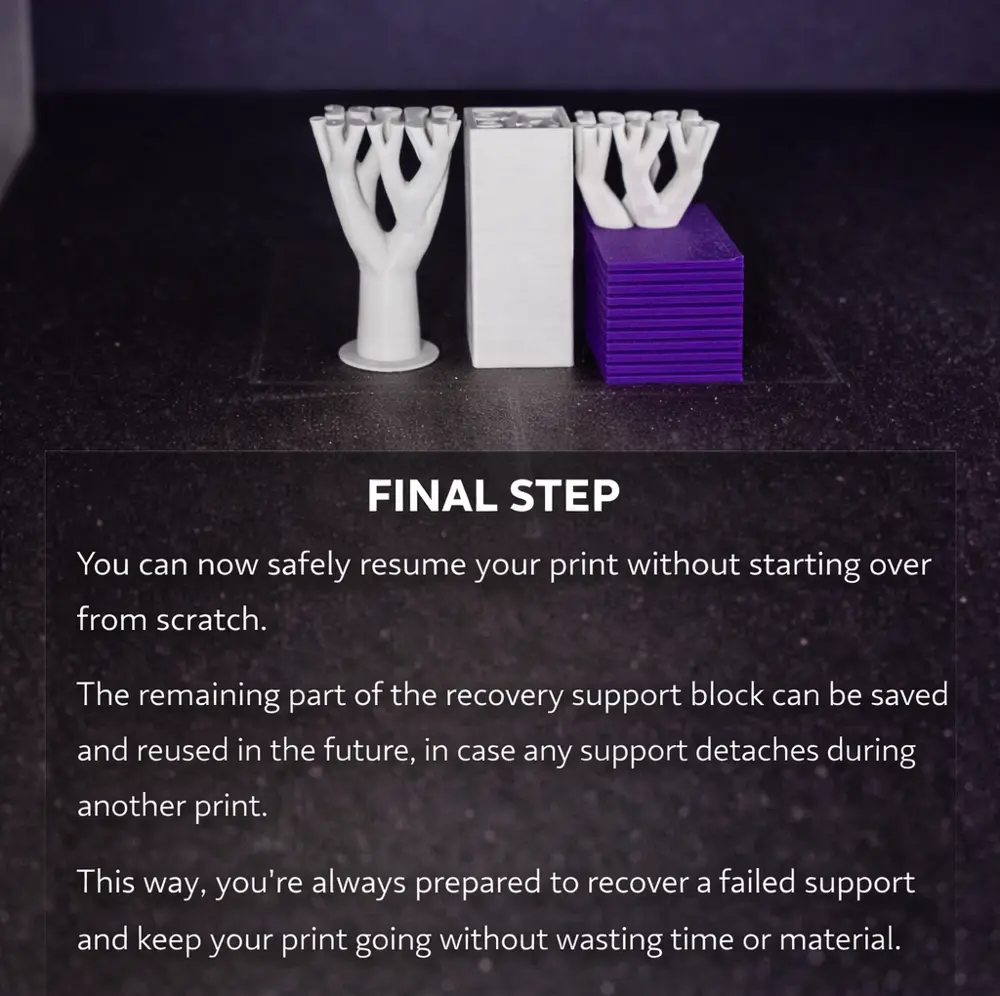
You can now safely resume your print without restarting from scratch.
The remaining portion of the Recovery Block can be stored and reused for future failures.
This ensures you’re always prepared to recover detached supports efficiently.
Save time. Save material. Keep printing.
You are prohibited from sharing, sub-licensing, selling, renting, hosting, transferring, or distributing the digital file or 3D printed versions of this object, as well as any other derivative work in either digital or physical form (including remixes).You are not allowed to use the objects in any manner that involves charging money or collecting fees without permission.
