
2026-10-21 23:41:52
23
1
Sonic the Hedgehog Multipart Figure

@Luzia3dstudio_4398877
Donate
Message
Follow
Recommended printing method
Add
Body
Kobra X
Kobra 3
、
Kobra 2
、
Kobra S1
、
Kobra 4
、
Kobra 3 V2
、
Kobra 3 Max
、
Kobra 2 Max
、
Kobra 2 Pro
、
Kobra 2 Neo
、
Kobra 2 Plus
/ Plates:6
/ 4h43m
Circle

Kobra X
Kobra 3
、
Kobra S1
、
Kobra 4
、
Kobra 3 V2
、
Kobra 3 Max
/ Plates:1
/ 1h23m
Support
Kobra X
Kobra 3
、
Kobra 2
、
Kobra S1
、
Kobra 4
、
Kobra 3 V2
、
Kobra 3 Max
、
Kobra 2 Max
、
Kobra 2 Pro
、
Kobra 2 Neo
、
Kobra 2 Plus
/ Plates:1
/ 27m
1
Share


Description
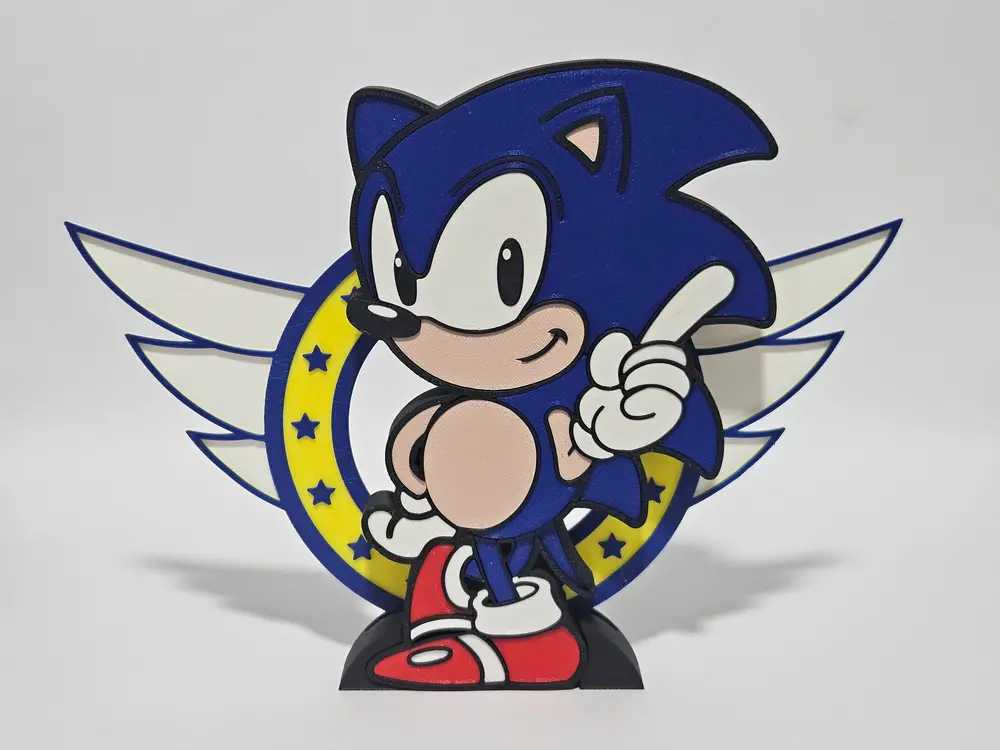
This model is designed to be printed in Multicolor using any 3D printer, without multicolor system.
The model is split into separate parts based on color. Simply print the plates in the corresponding filament colors and assemble them like a 3D puzzle.
Assembly & Tolerances
This model is designed with a 0.2mm offset between parts. First Step: Print the "Test Piece" (Index Finger) in White.
Troubleshooting:
- If it fits well: Perfect! It might be hard to remove later, so be careful.
- If it doesn't fit: You need to adjust the "X-Y Contour Compensation" and "Hole Compensation".
- Too Tight? Try setting -0.02mm for the contour and +0.02mm for the hole.
- Too Loose? Do the opposite: +0.02mm contour / -0.02mm gap.
- Glue: The eyes require glue. For the rest, glue is recommended for a solid finish.
The Wings Logo (Color Change)
Note: The "Circle with Wings" is not multipart. It is printed in one piece using pauses (filament changes). If you print at 0.32mm layer height, follow these steps:
- Start: White filament.
- Layer 4: Pause and change to Yellow.
- Layer 7: Pause and change to Blue (until the end).
Print Settings
- Layer Height: 0.32mm (Recommended). This creates a cool texture and prints very fast!
- Infill: 10-15% Gyroid.
- Brim: Recommended for smaller parts.
- Extra: Sonic has a small hole on the back so you can hang it on the wall.
Colors Needed
To get the result in the photos, you will need:
- Blue: Body and head spikes.
- Beige/Skin: Arms, belly, and face.
- Red: Shoes.
- White: Gloves, socks, and eyes.
- Black: Nose and base.
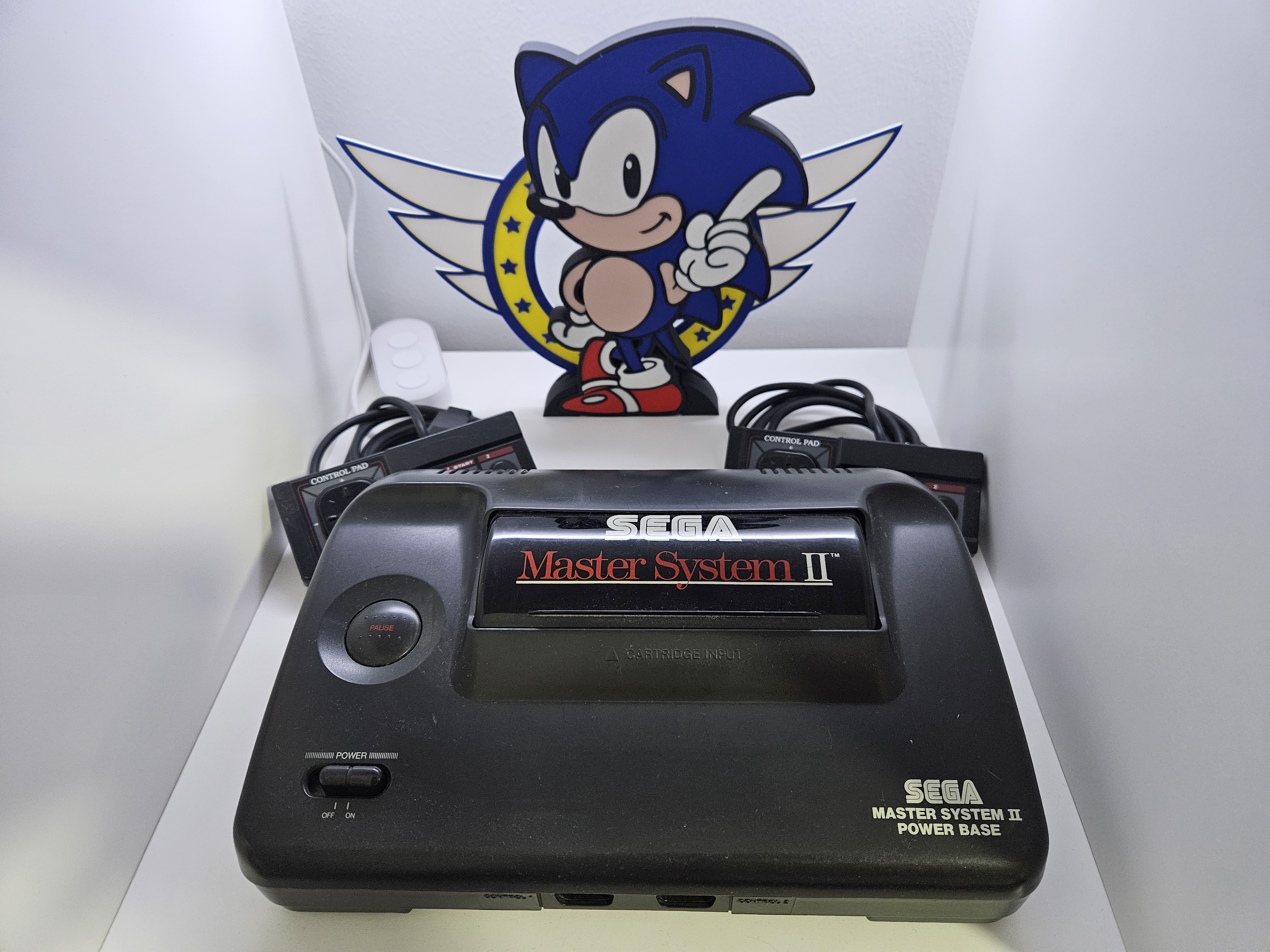
I hope you enjoy the model!!
Tags
License
