WisBlock BambuHelper Landscape


After I found the Simple Print Monitor - ST7789 1.54" display case designed by @Keralots and his application for the ESP32 to display the current print status I immediately wanted to use this with our RAKwireless WisBlock modular system, as it provides all required electronic parts for this amazing project.
The WisBlock RAK14014 TFT display has a higher resolution and a larger frame, so the original enclosure could not be used. So I designed a new enclosure, fitting with the RAKwireless WisBlock Modular System.
This enclosure is the version for landscape mode display usage. Check included assembly instructions!
Application credits go to @Keralots and the original source code for the application on Github ==> BambuHelper
Used WisBlock modules:
- RAK3312 Core module ESP32-S3
- RAK14014 320x240 TFT display module
- RAK19007 Base Board
- optional RAK18001 Buzzer module
As the display has a different resolution, some smaller changes to Keralot's source code were required and are currently provided in my Github fork BambuHelper WisBlock. This fork will be kept updated with changes made by Keralot.
Latest firmware updates (my fork):
- Adjust screen layout to 240x320 / 320x240 (portrait/landscape)
- Add simple touch screen function (wake-up from sleep)
- Add support for RAK18001 buzzer
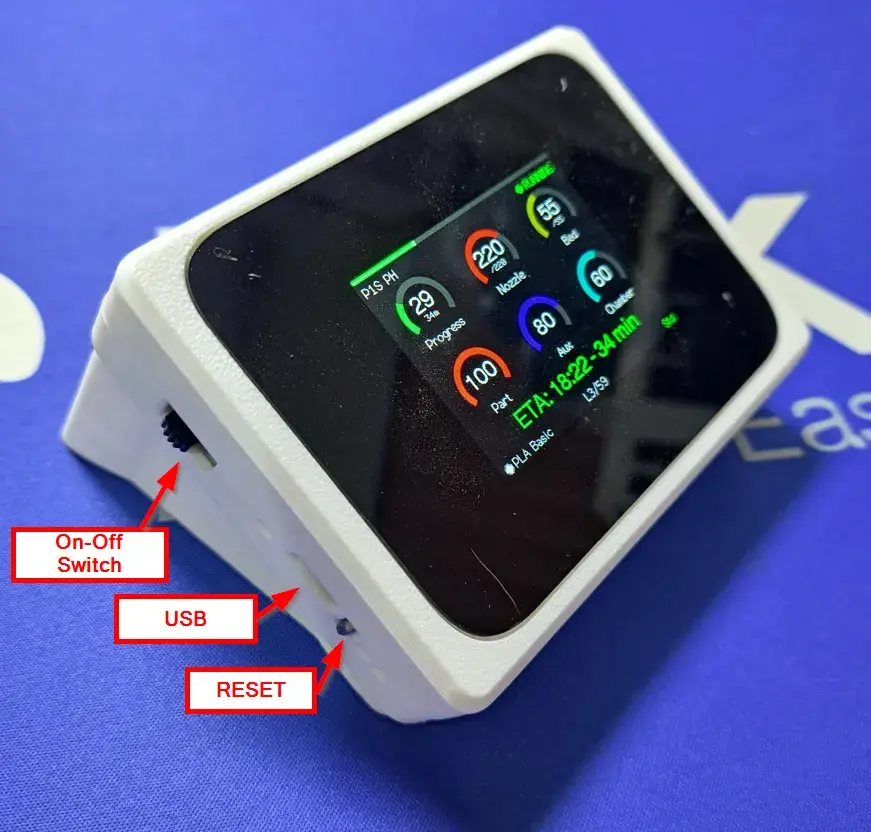
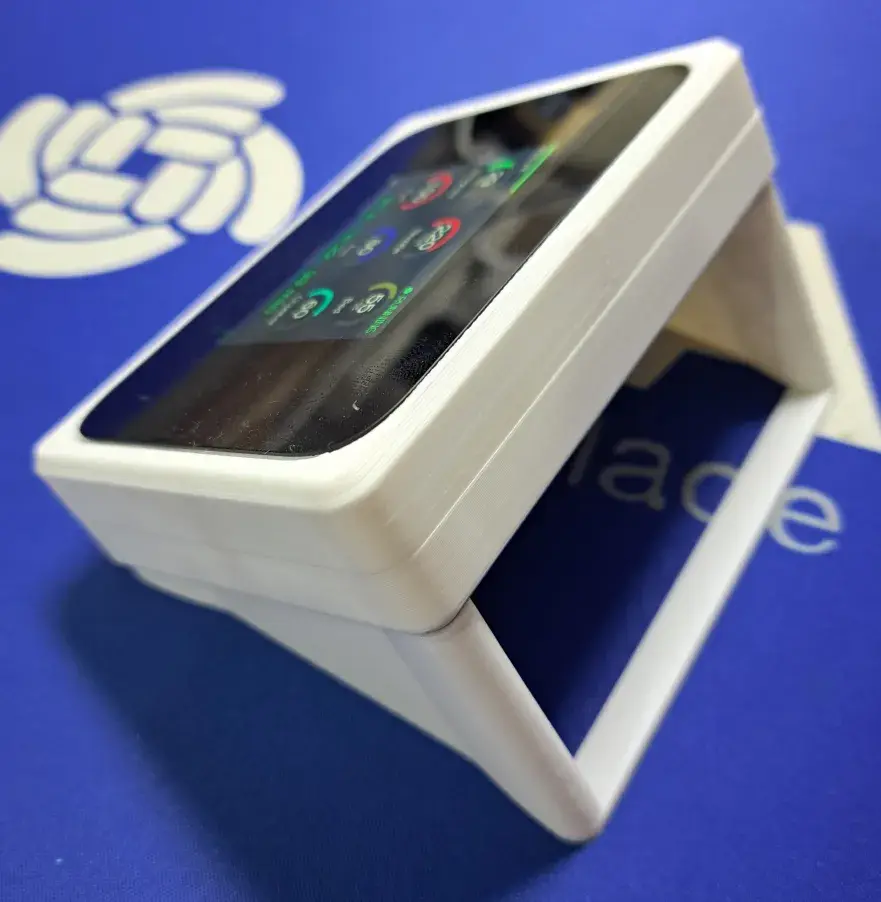
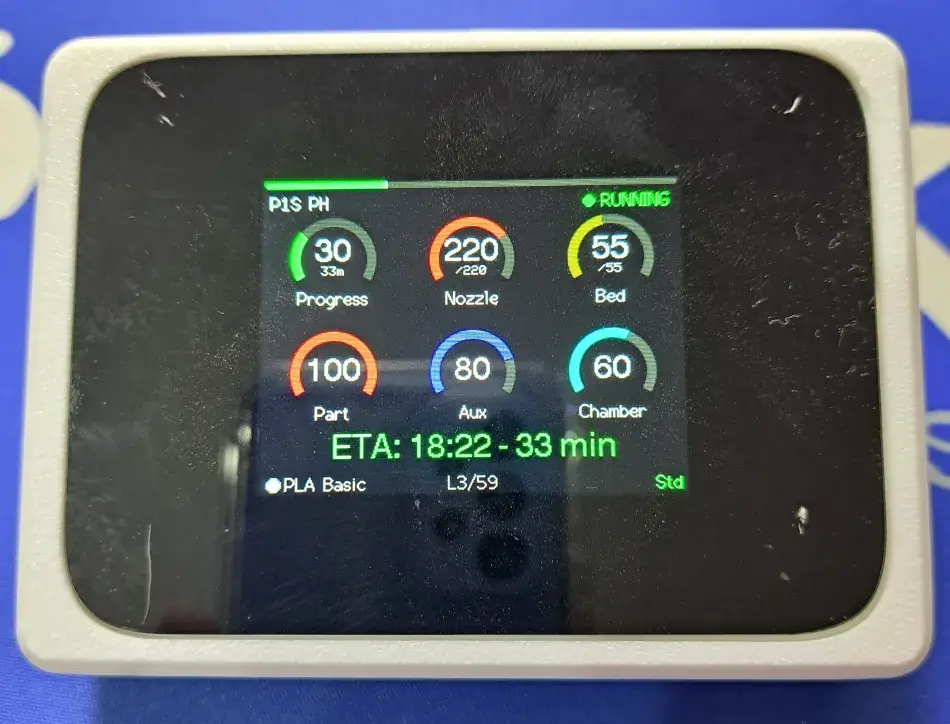
Enclosure for landscape usage (same as WisMesh Tap V2 enclosure), includes power switch.
Remarks:
The lid part requires support for printing, please check the BambuLab print file.
The reset button has a supporting brim because it is a very small part, but it might not be required