
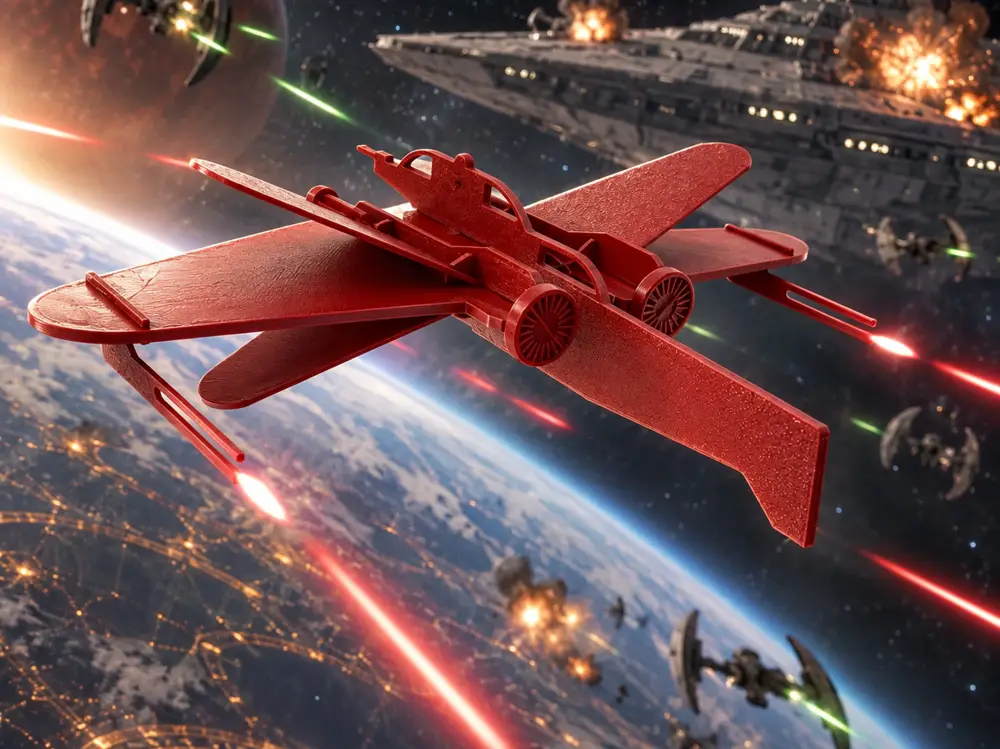
ARC-170 Starfighter – Print-in-One Sprue Model Kit + Display Stand


A miniature ARC-170 Starfighter inspired by its Clone Wars appearance, designed as a fun and simple 3D-printable display model.
I’ve included two versions of the model:
- Sprue Version – all of the main components are arranged on a model-kit style sprue. Print it, remove the parts and assemble it just like a traditional plastic model kit.
- Individual Parts Version – the same components supplied separately if you would rather arrange them yourself on the build plate, print parts in different colours, or simply skip removing everything from a sprue.
An included display stand finishes it off nicely for a shelf, desk or Star Wars collection.
The model can also be scaled up if you would like a larger display piece. I would not recommend scaling it down, however, as some of the smaller locating tabs, engine details and especially the wing cannons can become quite delicate.
I have included a labelled parts photo showing the component names to make assembly easier.
Assembly Instructions
1. Remove the parts from the sprue
If using the sprue version, carefully remove each component and clean up any remaining attachment points. If you're using the individual-parts version, you can skip this step.
2. Install the Engine Nacelles
Slide the Engine Nacelle parts onto the Main Wing.
The small cut-out in the centre of the Main Wing faces up, while the vertical slits on the Engine Nacelles face down.
3. Install the S-Foil Mounts
Fit the S-Foil mounts onto the nacelles.
The larger mount goes toward the front, with the flat side facing toward the middle of the starfighter.
4. Fit the Engine Intakes & Nozzles
Attach the engine intakes and nozzles.
Yes, I know technically it isn't an intake... but we're calling it that to keep things simple. 😂
The parts are keyed, so they will only fit correctly in one orientation. The easiest method is to seat them onto the locating tabs, hold the nacelle firmly and gently press it against a flat surface until the part is fully seated.
5. Install the Fuselage
Slide the fuselage onto the Main Wing.
There is a small locating tab inside the fuselage slot that seats into the corresponding slot on top of the Main Wing.
6. Install the S-Foils
Slide the four S-Foils onto their locating tabs.
The flat surfaces are angled slightly differently, creating a top and bottom pair, so check their orientation before fully pressing them into place.
7. Install the Wing Cannons
Slide the wing cannons into position.
8. Display it!
Place the completed ARC-170 onto the included stand and enjoy!
I really like the sprue version because it gives the print that classic plastic model-kit feel, but the individual parts version gives you much more freedom if you want to print pieces in separate colours or make a larger version.
If you print one, I'd love to see your make — especially any custom Clone Wars paint schemes.
May the Force be with your print bed. 😄
您不得分享、转授权、出售、出租、托管、转让或分发该数字文件或该对象的3D打印版本,以及以数字或物理形式存在的任何其他衍生作品(包括混音)。未经许可,您不得以任何方式使用这些物品进行费用收取。
