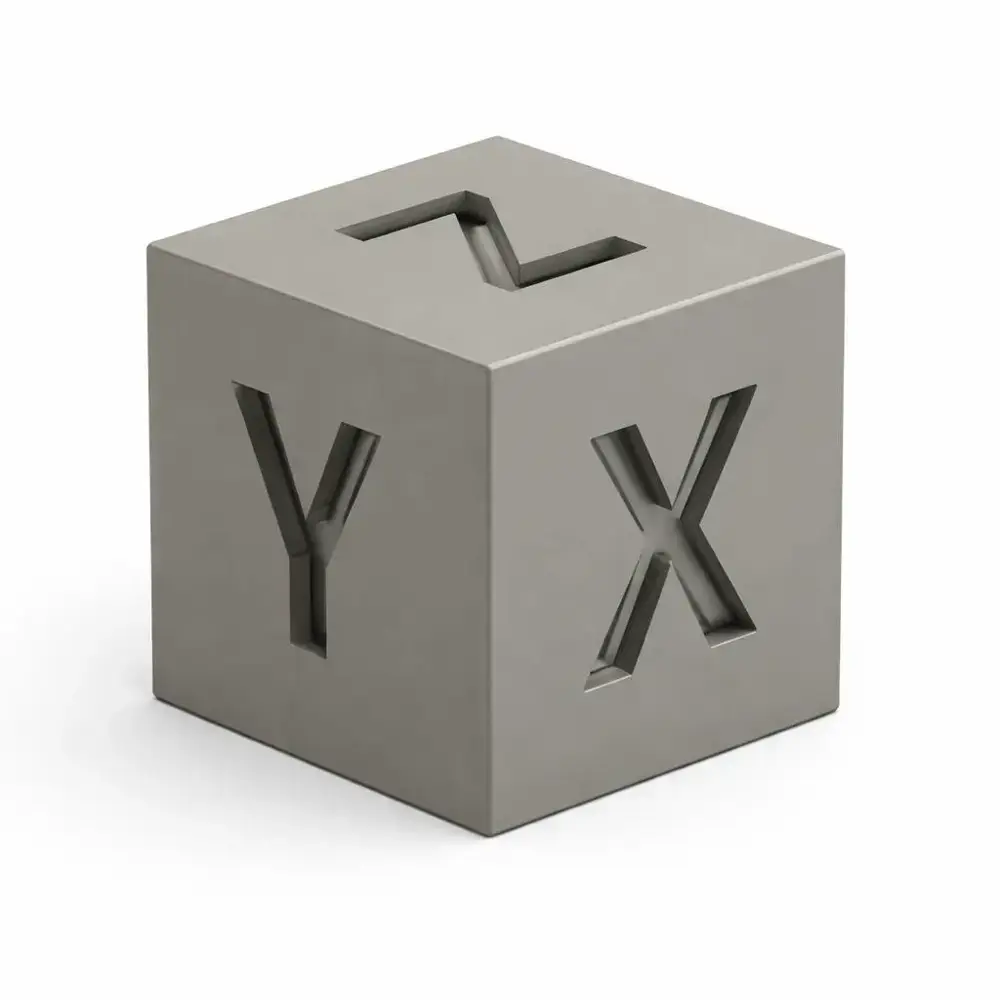
Calibration Cube - test print


This easy-to-read calibration cube helps you quickly check whether your printer is printing the correct size, in the correct direction, and with good quality — all in one short print.
Unlike a plain cube, this model includes clear X, Y, and Z letters in two thicknesses (regular and bold) so beginners can easily see problems, not just measure them.
Why should you download and print this?
To make sure your printer is accurate in all directions
To spot common issues like: incorrect scaling, uneven extrusion, elephant foot, poor detail quality, ringing or vibration.
To compare thin vs thick features without changing models
To quickly check a printer after assembly, transport, or upgrades
This cube prints fast, uses little filament, and gives clear visual feedback even if you don’t own calipers.
Model details
Overall size: 20 × 20 × 20 mm
Letter height: 10 mm
Letter depth (embossed): 1 mm
Letters: X, Y, Z
Each letter appears twice: regular style and bold style on the opposite face
Recommended print settings
Nozzle: 0.4 mm
Layer height: 0.2 mm
Infill: 7 - 15%
Supports: Not needed
Ideal for
Beginners learning printer calibration
First print on a new printer
After printer maintenance or upgrades
Quick quality comparison between printers or filaments