2026-11-06 05:52:54
228
15
Calibration Pyramid

@KVM_Design_3446838
打赏
私信
关注
推荐打印方式
添加
Calibration Pyramid
Kobra S1
Kobra S1 Max
、
Kobra 3
、
Kobra 2
、
Kobra 4
、
Kobra X
、
Kobra 3 V2
、
Kobra 3 Max
、
Kobra 2 Max
、
Kobra 2 Pro
、
Kobra 2 Neo
、
Kobra 2 Plus
/ 分盘:1
/ 3h27m
4
分享


描述
Design Concept
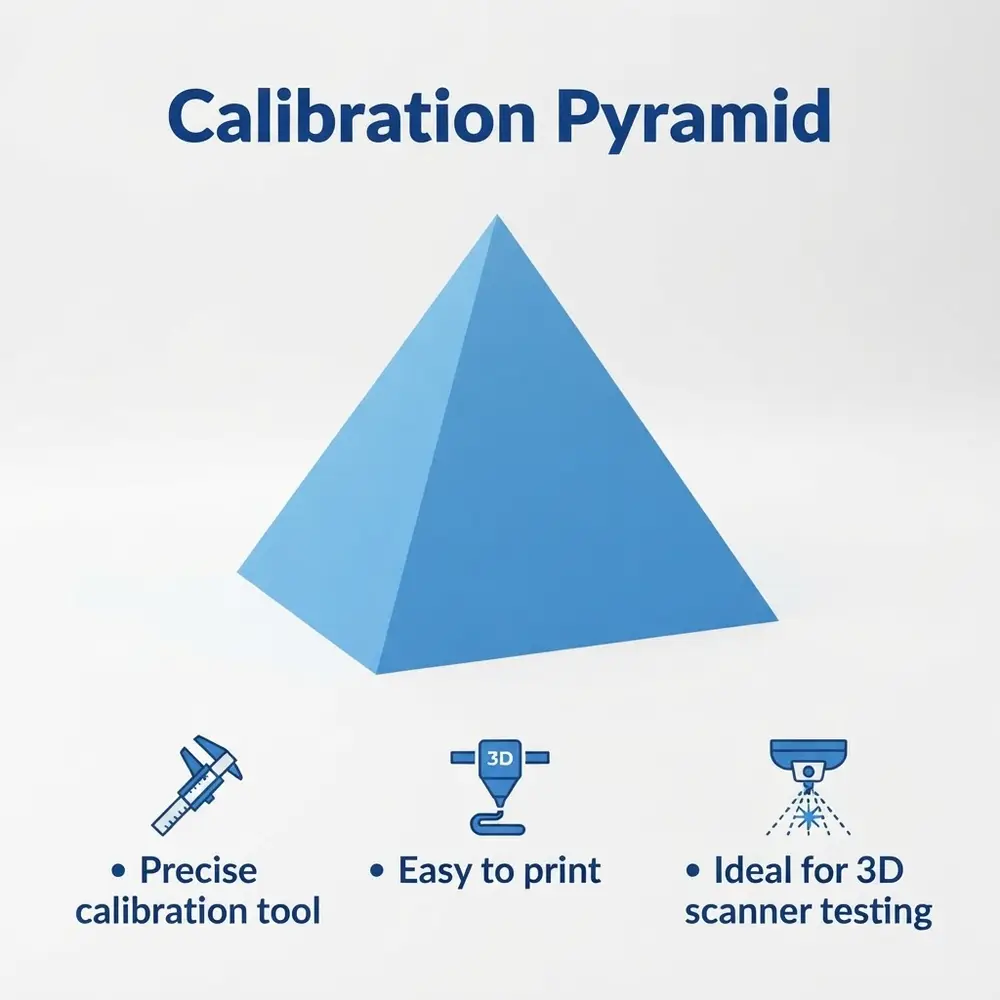
The Calibration Pyramid is designed as a simple pyramid shape, intended as a precise tool to help calibrate and test 3D printers and 3D scanners.
Key Features:
- Dimensions: 120mm (W) x 120mm (L) x 100mm (H)
- Sharp, well-defined edges and vertices for accurate scanning and measurement
- Suitable for use as a calibration artifact or tracking marker in 3D scanning workflows
- Clean, manifold geometry optimized for smooth 3D printing on Creality and other FDM printers
- Versatile design that can be used for testing printer precision, surface finish, and dimensional accuracy
Use Cases:
- 3D scanner accuracy and alignment testing
- Calibration and troubleshooting of 3D printers
- Educational tool for geometry and design studies
- Decorative or functional prototype for various creative projects
Printing Suggestions
To achieve the best results, print at a standard layer height 0.1-0.14mm with 100% infill for maximum precision. Ensure that your printer is properly calibrated before printing.
Assembly Instructions
No assembly required, simply print and use to test and calibrate your equipment.
How to Use a Pyramid for 3D Scanner Testing
- Position the Pyramid:
- Place the pyramid on a stable surface within the scanner's field of view.
- Ensure good lighting and minimal reflections to avoid scanning artifacts.
- If testing alignment, place the pyramid so it can be scanned from multiple angles.
- Scan the Pyramid:
- Perform a scan of the pyramid from different viewpoints.
- Use the scanner's software to capture the shape and details.
- If using tracking markers on the pyramid, the scanner software can use these to improve alignment and reduce errors.
- Analyze the Scan Data:
- Check the scanned model for geometric accuracy, focusing on the edges and vertices of the pyramid.
- Compare the scanned dimensions with the actual physical dimensions.
- Look for distortions, noise, or misalignments in the scan.
- Use for Calibration or Troubleshooting:
- If the scan shows inaccuracies, adjust scanner settings or recalibrate.
- Use the pyramid scans to test improvements after software or hardware adjustments.
标签
版权声明