
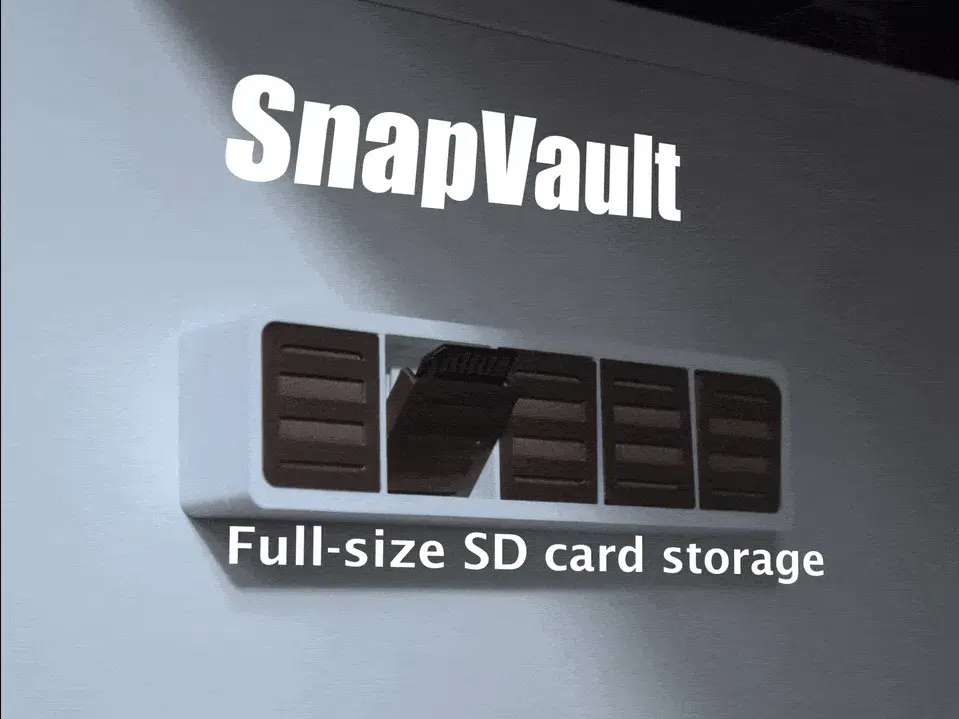
SnapVault — Wall-mounted SD card storage


Most SD card holders are utilitarian boxes hidden in drawers. SnapVault turns your data storage into a functional art piece for your wall.
The model is almost entirely 3d printed only requiring some superglue and a 3M command strip to mount anywhere, I personally have mine under/on the side of my desk but the design lets you mount it wherever is most appealing.
The design holds up to 5 Full size SD cards
--Printing--
There are 2 print profiles available, a single colour version and a AMS version. i love the look of the multicolour one but it does take longer to print
The model needs to be printed with supports but only on the edge of the card slots, auto supports may be not possible to remove so place them like in the print profile/ image below
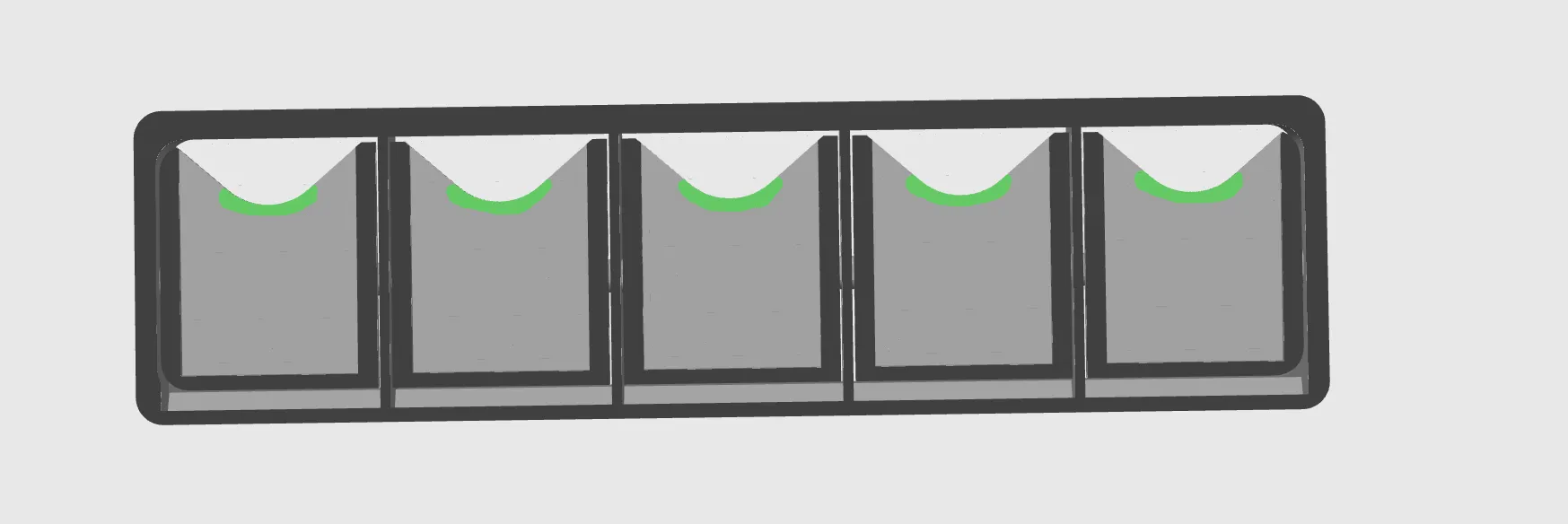
For the multicolour one, i used just a basic white filament for filament slot 1 (which is the body) and for the slots i used a mettalic copper like fillament but any matte or brownish colour could like nice.
--Assembly--
assembly is pretty straight forward, firstly free the slots as they may be a little stuck and once they can move freely remove the supports from inside, then take the backplate and slot the springs in. depending on your printer it may be tight or a bit loose, if needed glue the springs in. also orientation of the springs matter see image.
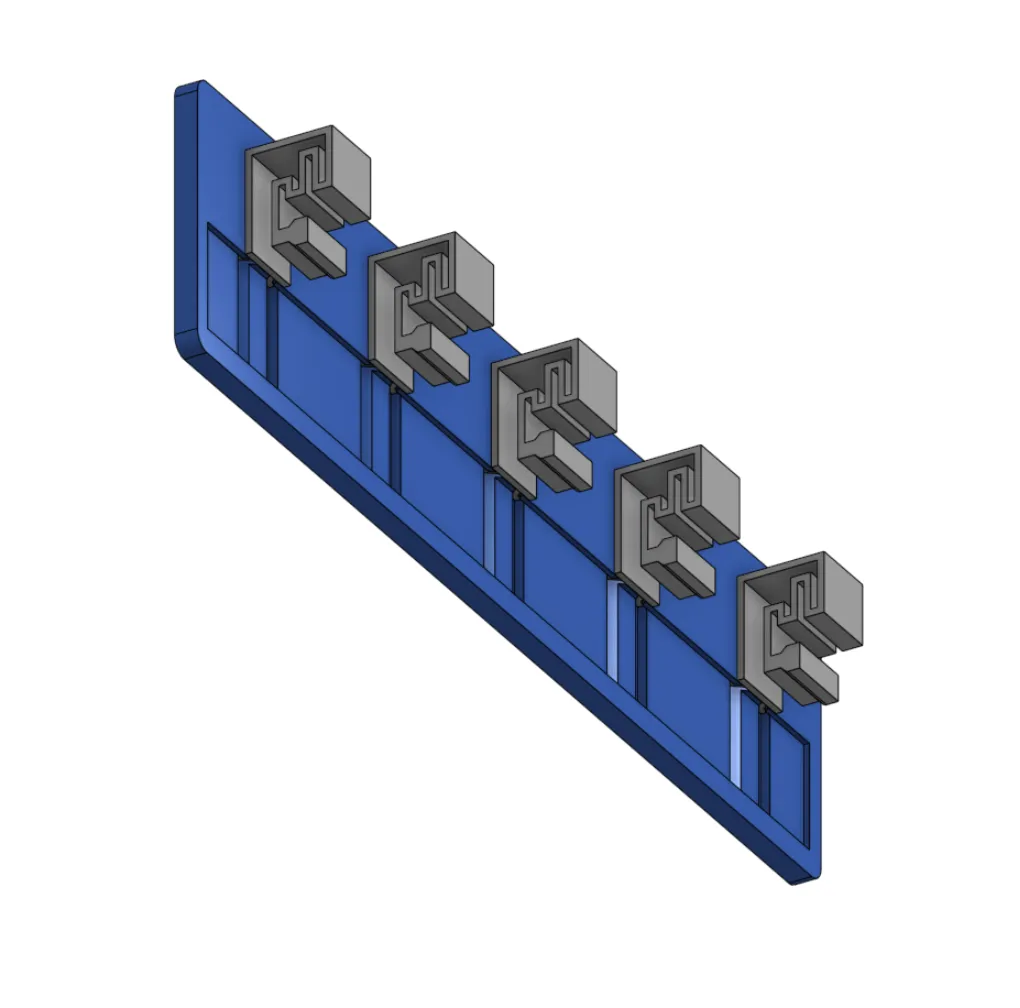
then slot the backplate into the back of the main body, if its loose put some superglue on the edges and glue it together.
Finally stick a Command strip on the back and mount it to your wall/ where ever you want to have the SnapVault SD card storage system.
您不得分享、转授权、出售、出租、托管、转让或分发该数字文件或该对象的3D打印版本,以及以数字或物理形式存在的任何其他衍生作品(包括混音)。未经许可,您不得以任何方式使用这些物品进行费用收取。
