
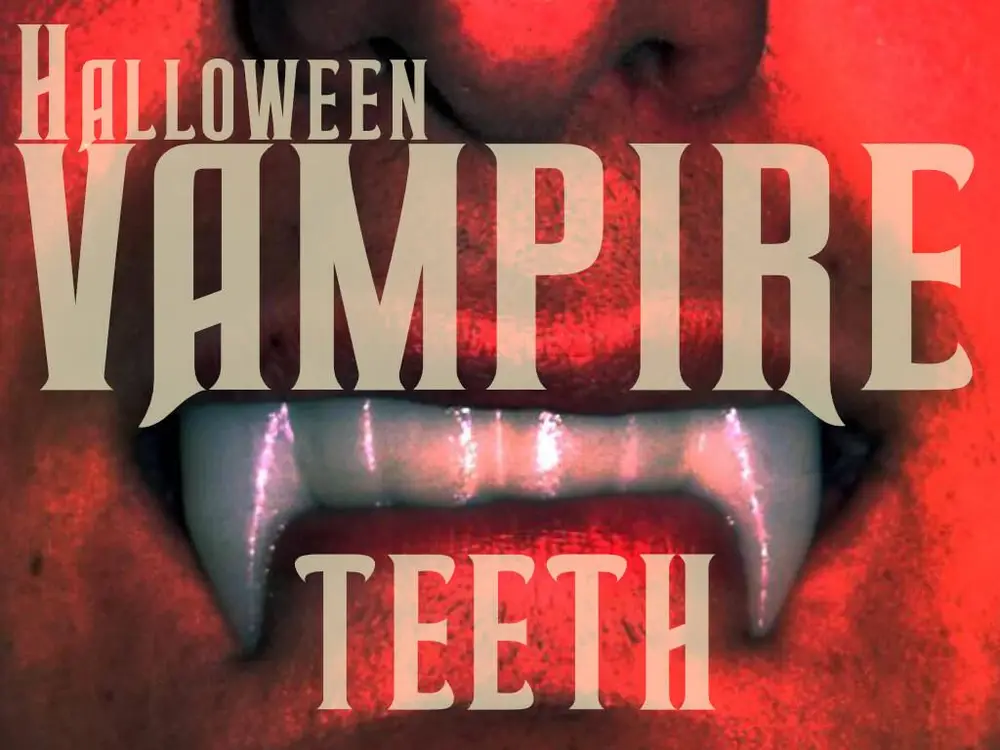
Halloween Vampire Teeth


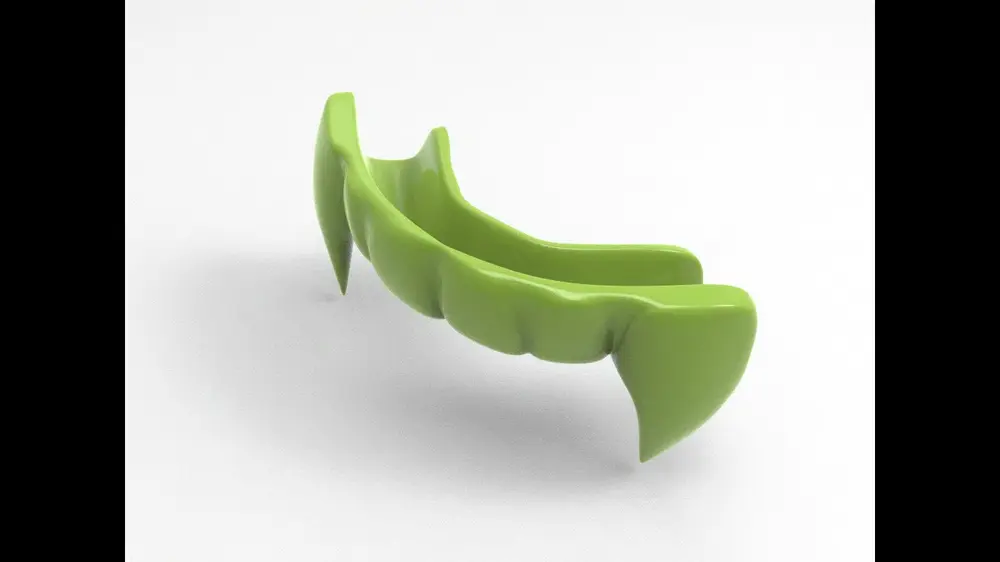
Vampire Teeth – 3D-Printed Halloween Accessory
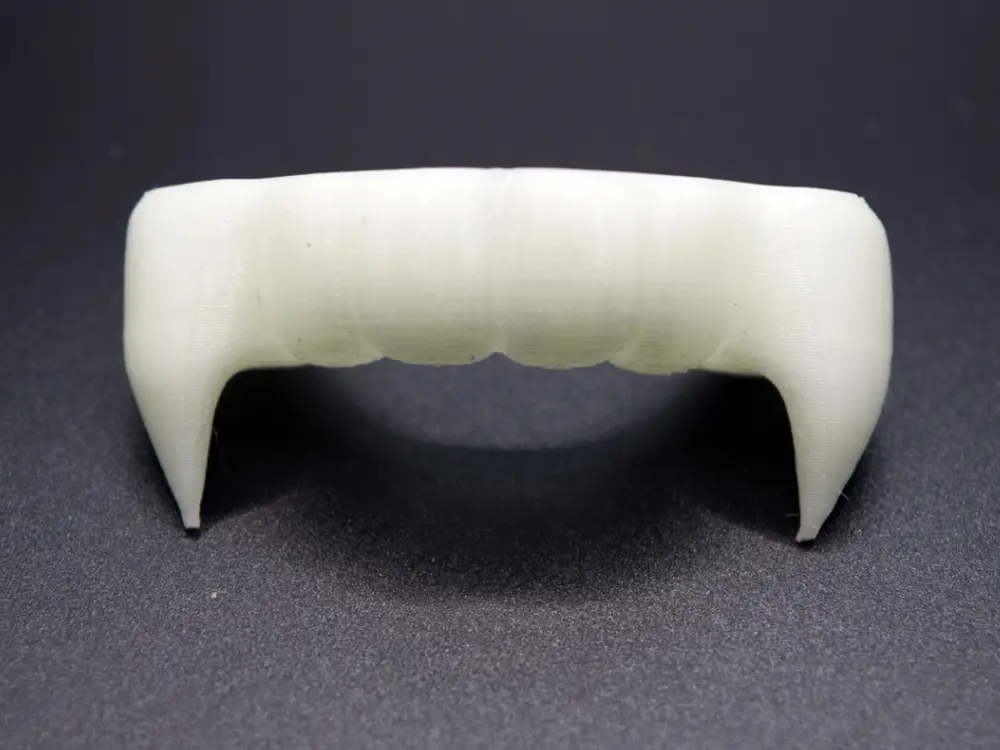
Perfect for your vampire costume: these lightweight, reusable vampire teeth are 3D-printed and, with PLA Glow, deliver a spooky glow-in-the-dark effect. Easy to print, quick to assemble, and comfortable to wear—ideal for photos, parties, and cosplay. For best results, charge under light before use.
Use & Fitting – Vampire Teeth
You’ll need:
- 1 heat-resistant glass
- 1 teaspoon
- PolyMorph (thermoplastic granules)
- 3D-printed model (Vampire Teeth)
Steps
- Print the model
Print the Vampire Teeth as specified (PLA Glow recommended).
Heat water and fill the glass
Heat water to just below boiling (about 60–70 °C is sufficient for PolyMorph).
Carefully pour the hot water into the glass.

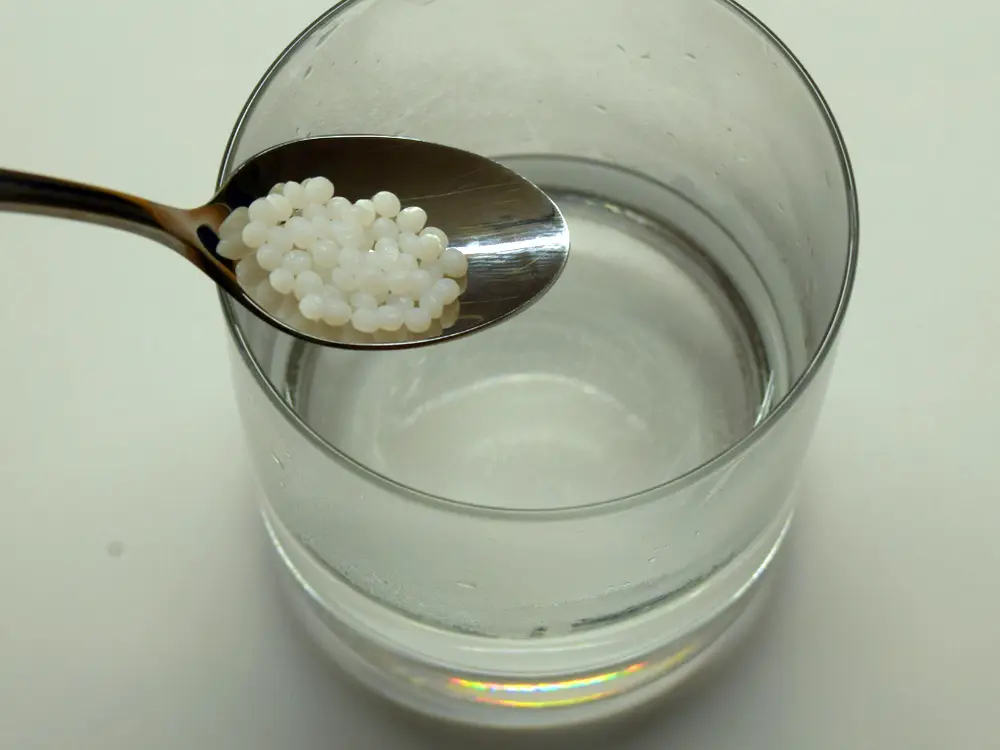
Add granules
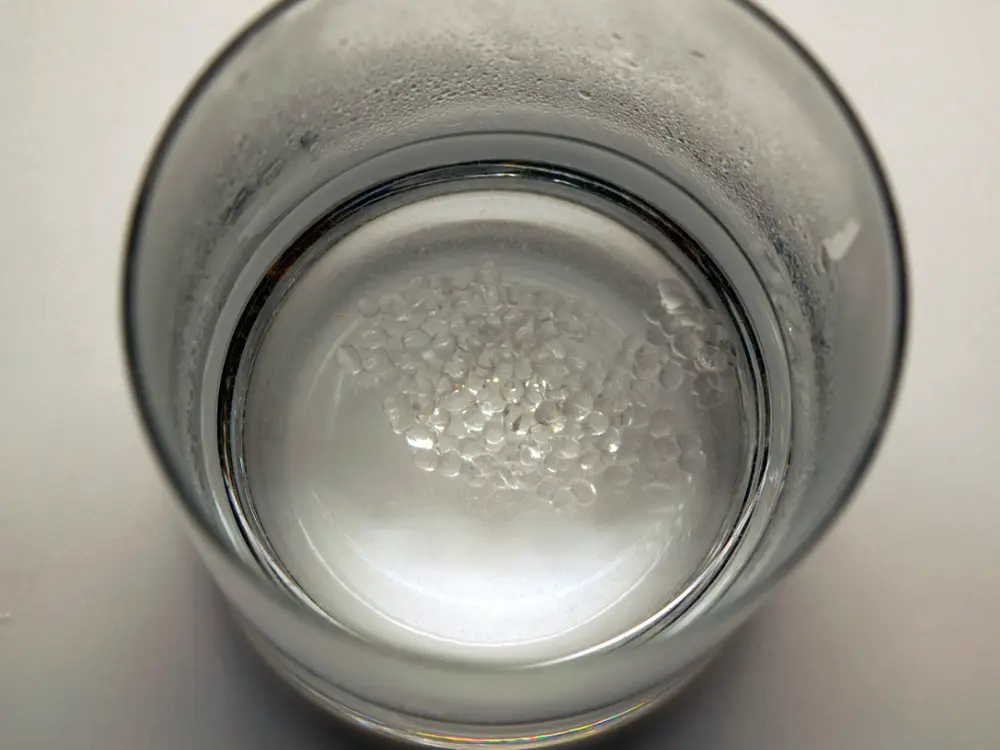
Add one teaspoon of PolyMorph granules to the glass.
Wait until transparent
Wait briefly until the pellets turn clear/translucent and clump together.
Remove the material
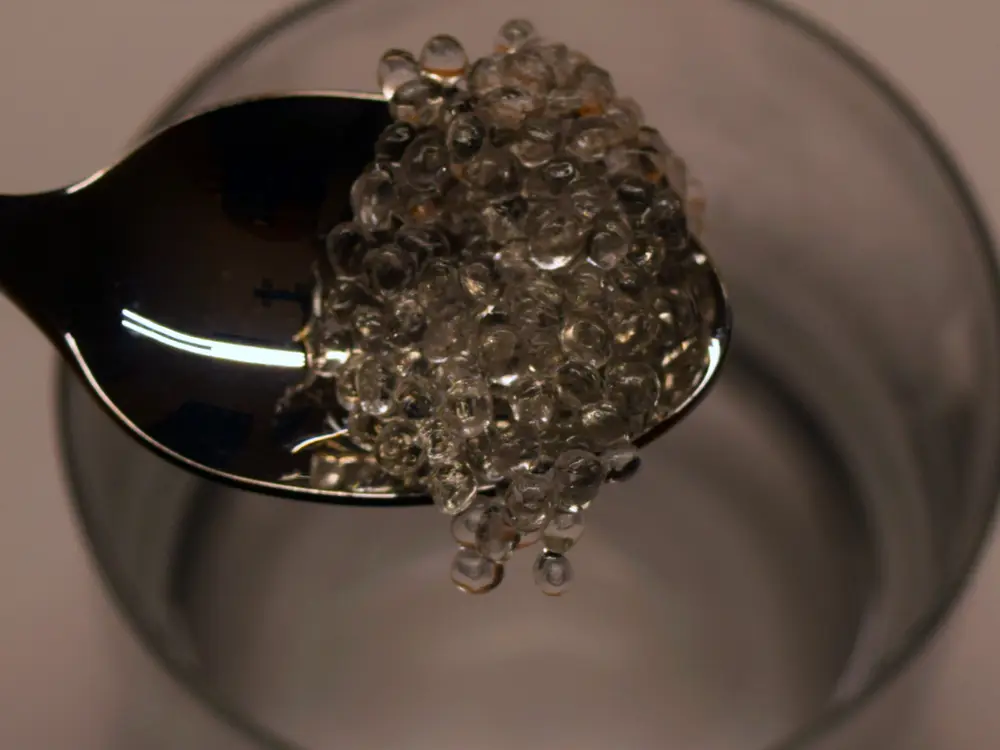
Use the spoon to take out the softened mass (caution—hot!).
Pre-shape & press in
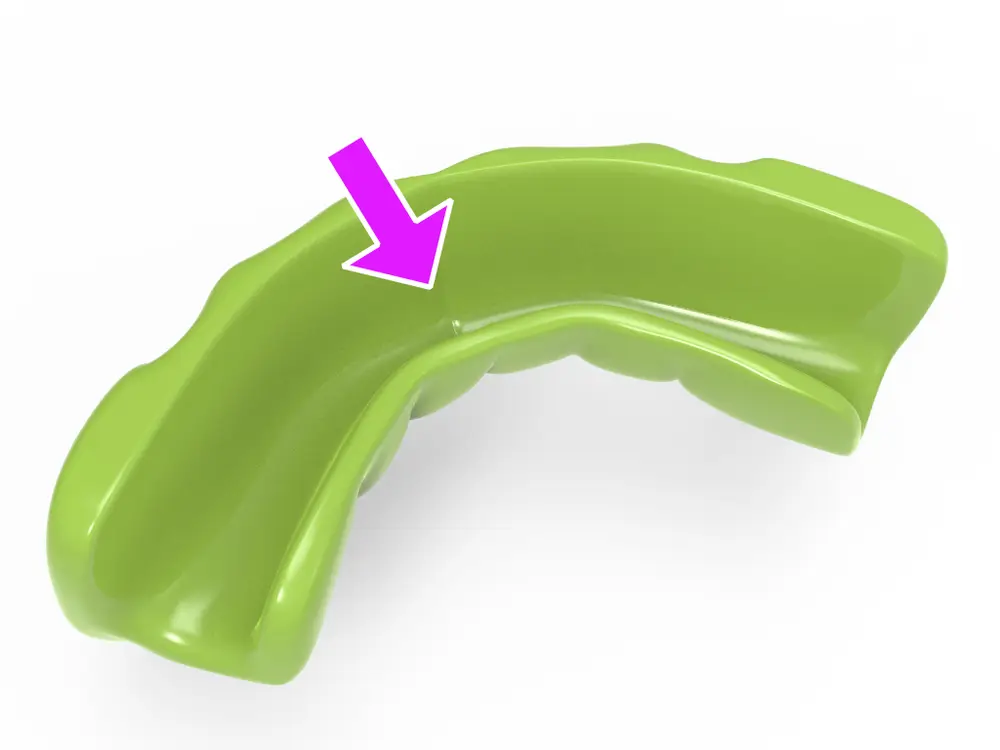
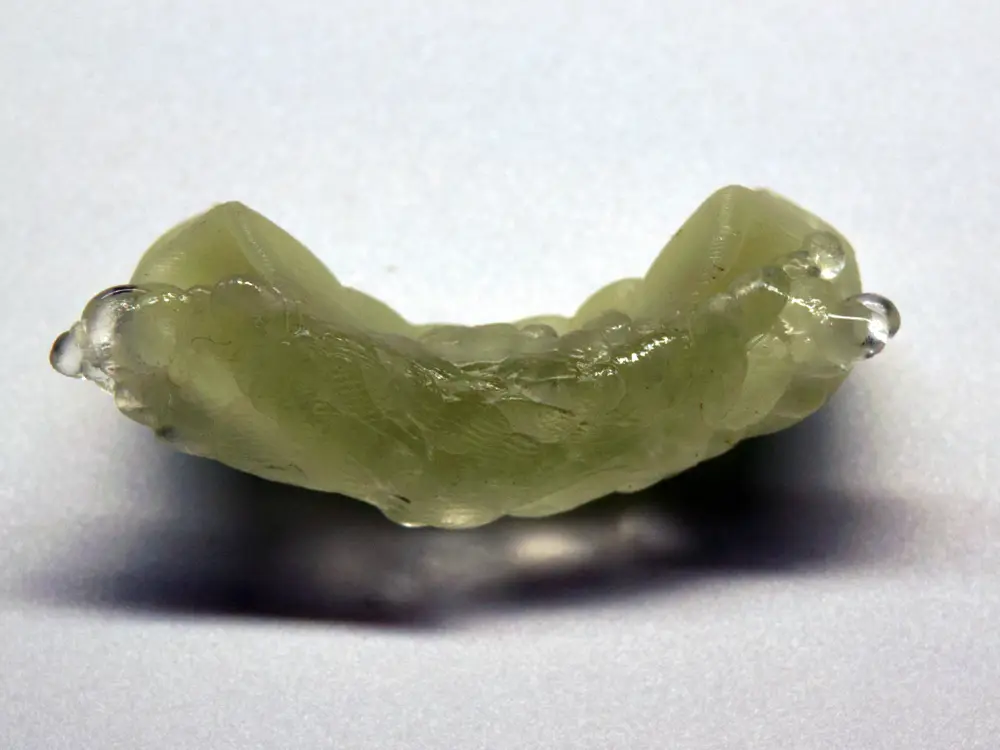
Quickly form a small sausage/wedge and press it into the 3D-printed model so the socket is filled.
Fit to your teeth
Place the Vampire Teeth onto your teeth and bite down gently so the material molds to your bite (don’t clamp hard).

Let it harden --> Remove & finish
Wait a few minutes until the material cools and hardens completely.
Take off the Vampire Teeth. Carefully trim or deburr any excess hardened plastic with a craft knife.
Done—your custom-fitted Vampire Teeth are ready!
Tip: Too loose or too tight? Reheat the PolyMorph and adjust. Store dry after use.
You are prohibited from sharing, sub-licensing, selling, renting, hosting, transferring, or distributing the digital file or 3D printed versions of this object, as well as any other derivative work in either digital or physical form (including remixes).You are not allowed to use the objects in any manner that involves charging money or collecting fees without permission.
