
2026-01-10 21:43:52
2.4k
184
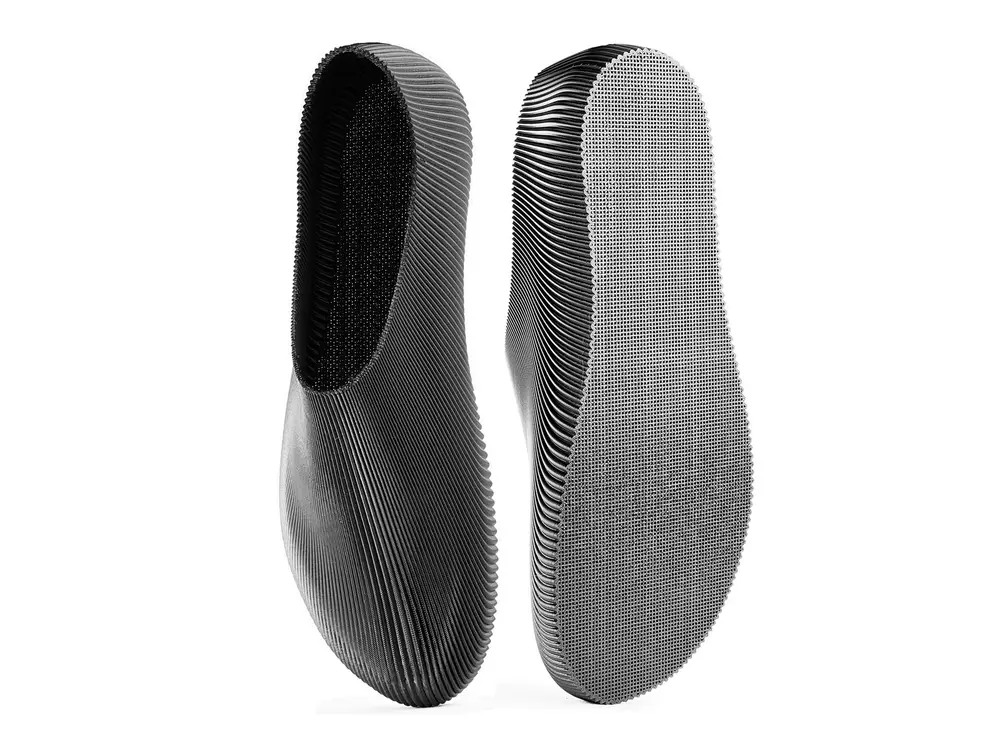
Onda barefoot shoes

@RiverFamily_5810790
Donate
Message
Follow
Recommended printing method
Add
EU 37 - 46 sizes
Kobra 3
Kobra S1
、
Kobra 4
、
Kobra X
、
Kobra 3 V2
、
Kobra 3 Max
、
Kobra 2 Max
、
Kobra 2 Plus
/ Plates:20
/ 214h39m
49
Share


Description

click -> download gcodes
use the gcodes instead of the print profile for an optimized print path and best results
the gcodes work on any printer with at least 250x250mm build volume
how to print the gcodes:
- download the gcodes
- extract the SD card from the printer
- insert the SD card in a computer using an SD card reader
- open the downloaded folder and copy the gcodes in the SD card
- insert the SD card back in the printer
- send the gcodes from the printer interface
website: https://riverfamily.art/
made with Stepan: https://drunks.st/
Tags
License
