
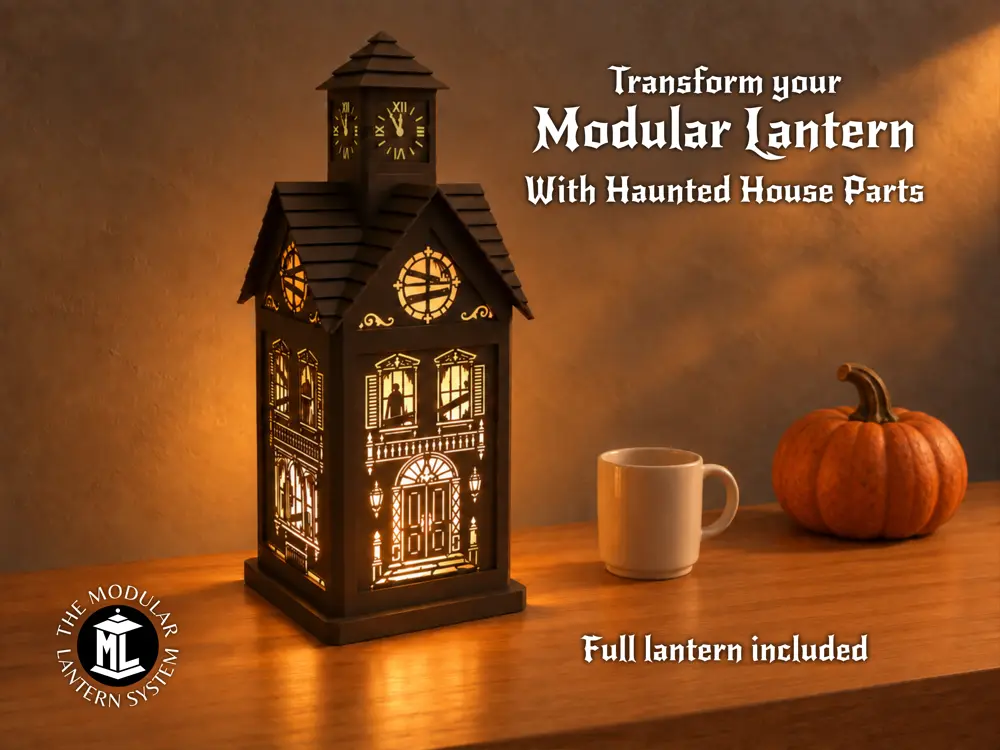
The Haunted House Modular Lantern


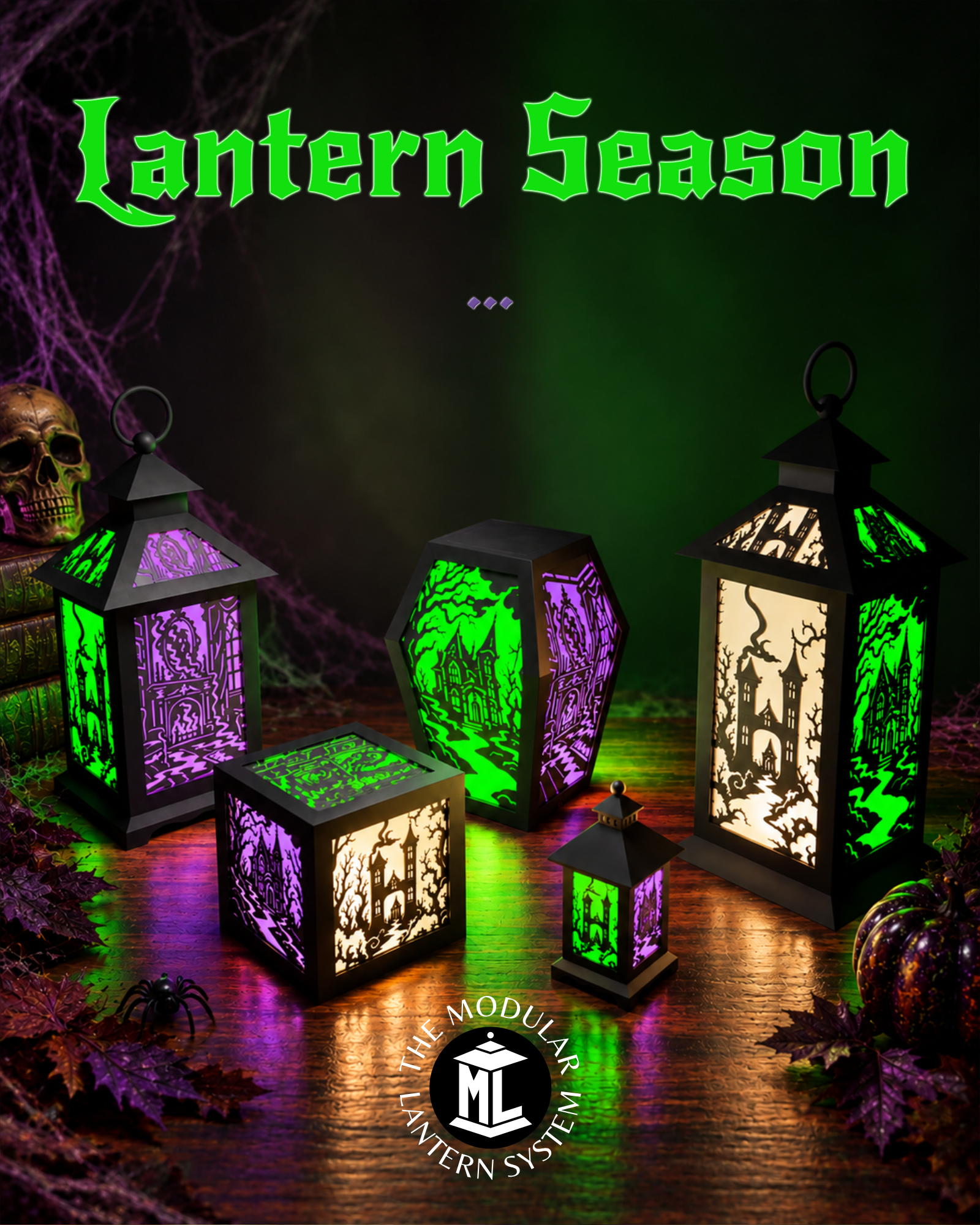
This features a new roof top for The Modular Lantern and some haunted house inserts. Designed to tweak your lantern throughout the year this replaces your existing top and converts the lantern into a spooky house. (Original not Medium size lantern)
If you've not come across The Modular Lantern it's a system of over 1000 cross compatible inserts and parts and constantly growing. Designed to feed your creativity. Maybe I took the modularity too far. So I've created ModularLantern.com to help you search and find pieces.
You can use 6mm diameter magnets or the MagFit clips they are included in the MagFit Makeronline download and that page is worth reading to understand the options.
One particularly useful place for magnets is between the Core and Spacer, giving you quick and easy access when swapping panels.
I started this design last Halloween but time got the better of me. The clock tower however gave birth to the Tiny Modular Lantern, yup it is a lantern in it's self! It's good to see the part come to completion this Halloween. In fact you can use the bases from the tiny lantern to add a separate LED to the clock tower as it's a reasonable distance from the main light source. Push the base into the roof part from inside of the roof and the LED sits nicely below the tower.
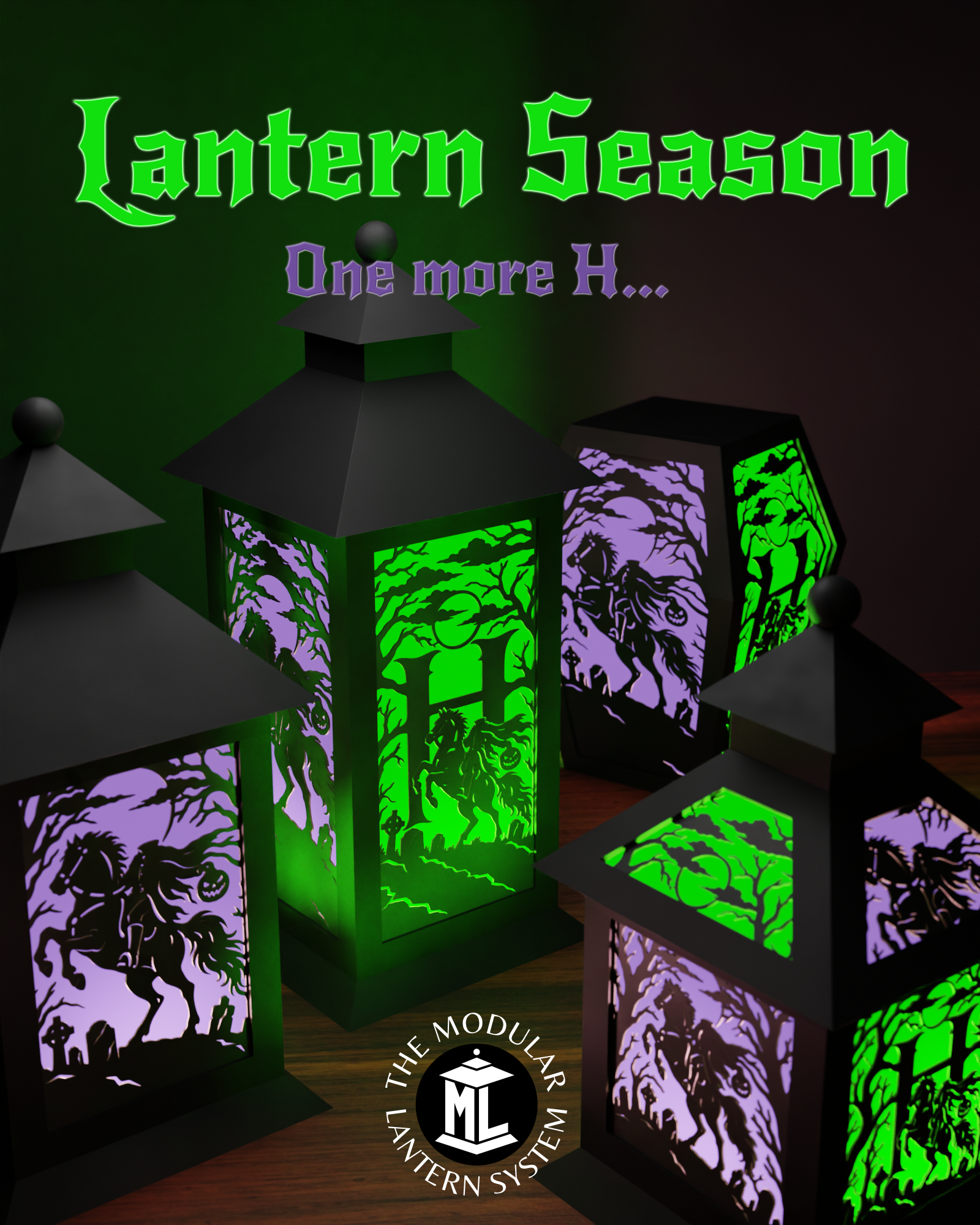
This is timed with the me reaching H (for Haunted House) in the Halloween Alphabet where I'm releasing new inserts and surprise parts for every letter of the alphabet. Join in the fun and follow me on Patreon, Facebook or Instagram
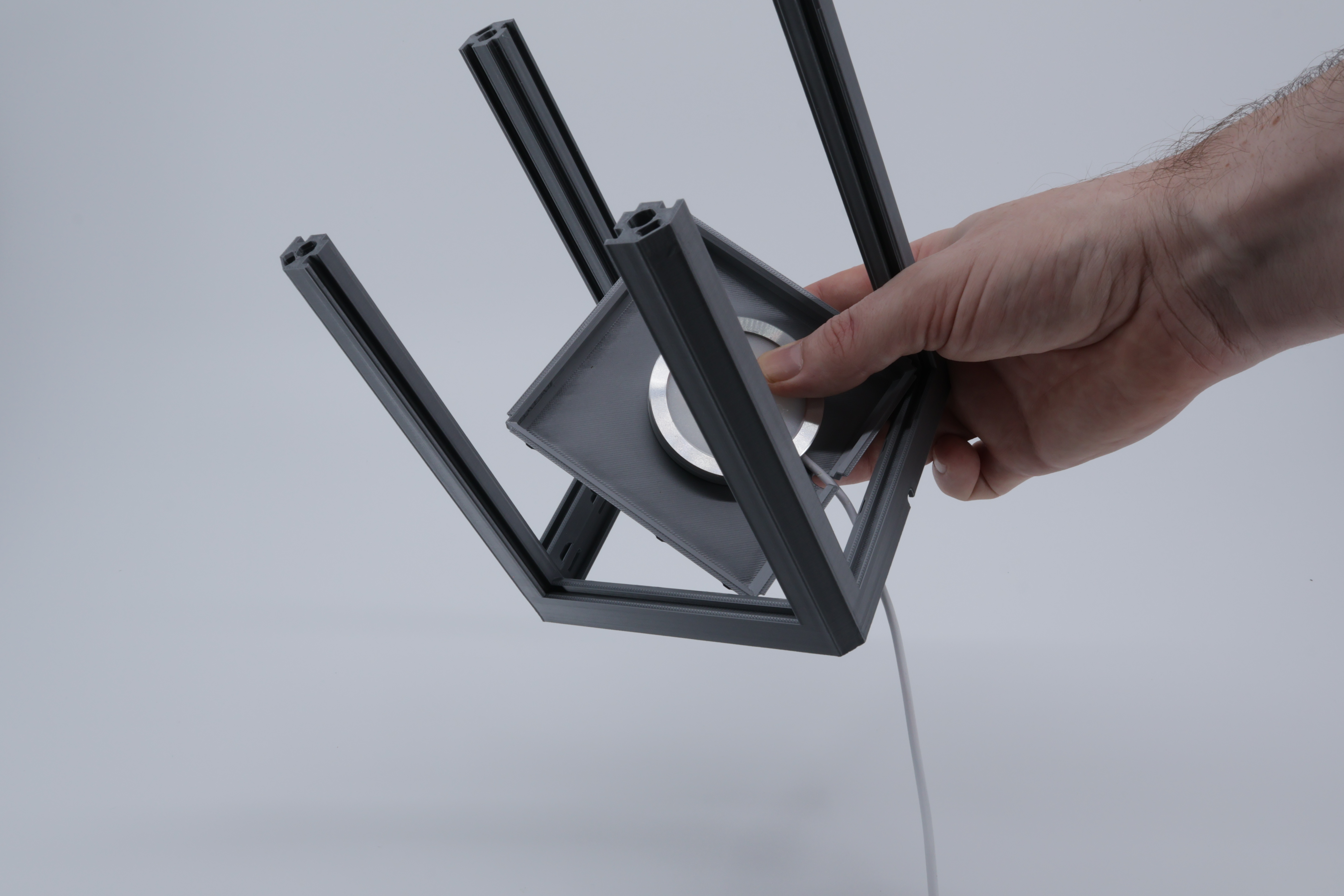
Start by popping any wire through the base of the lantern and inserting the base which clips into place:
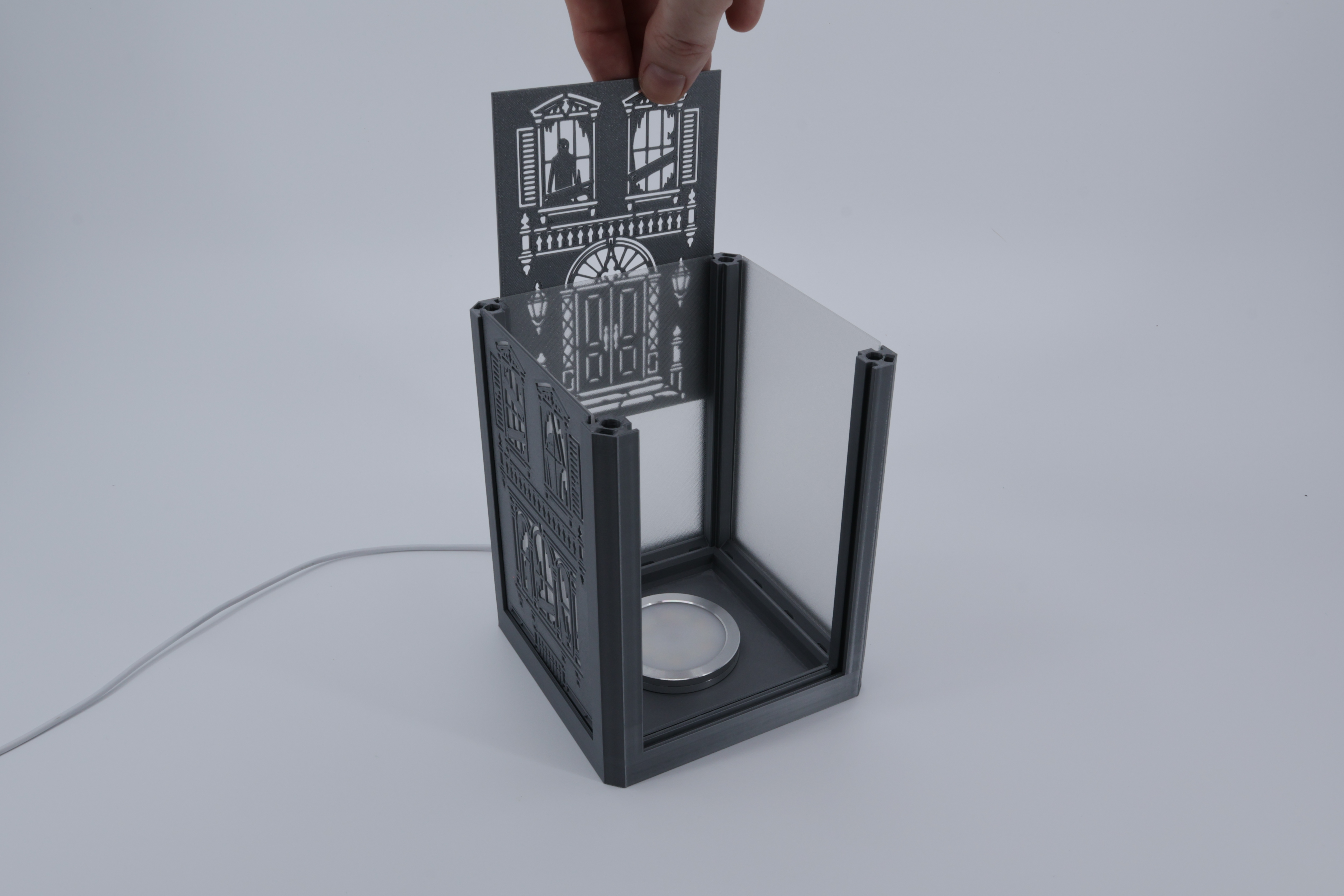
Next add the inserts and panels. You can use any standard PLA at this thickness it will let light through. I've used translucent in the photos just for a change but usually use a coloured PLA.
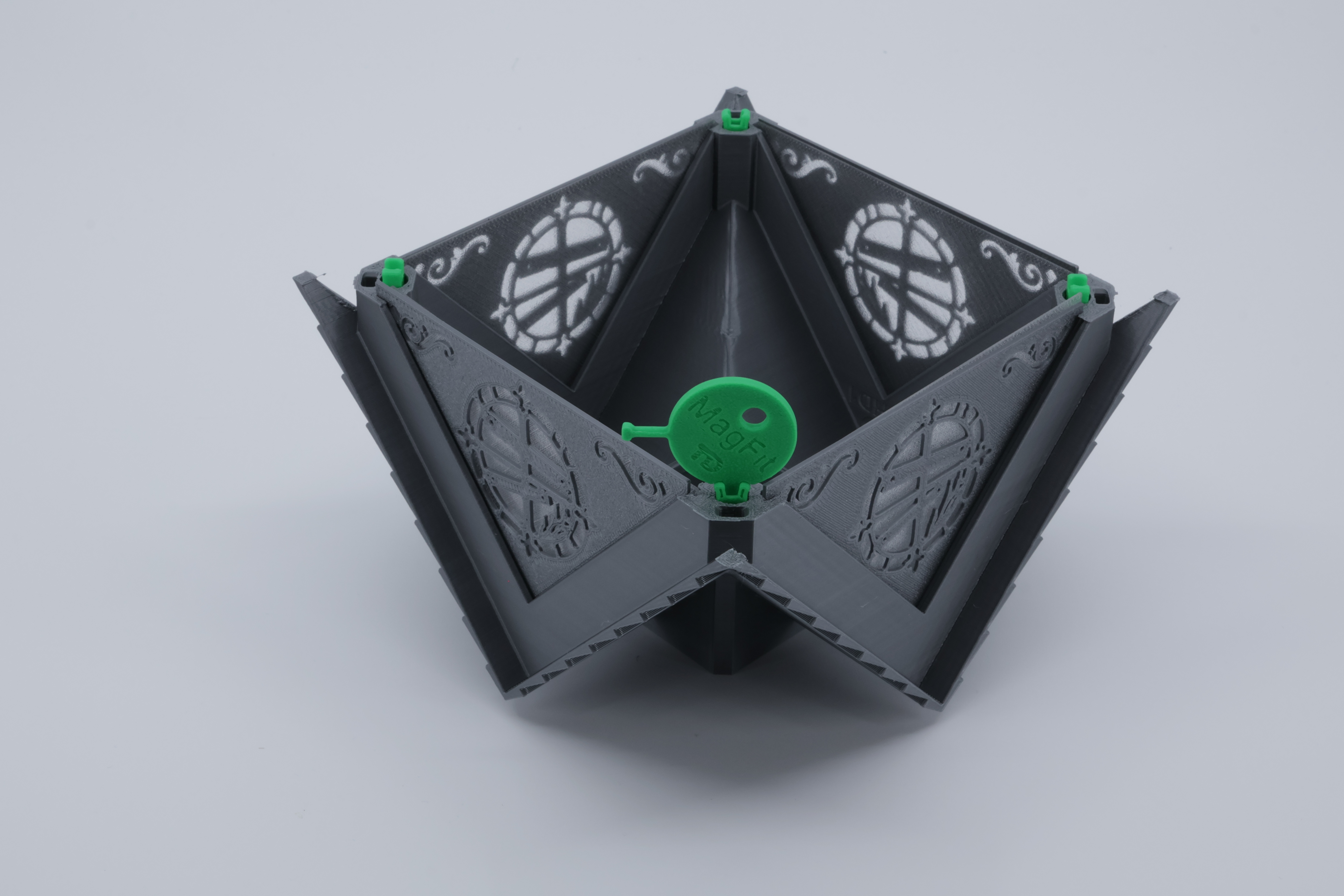
Next turn the roof upside down and insert the panels and 4 MagFit Clips:
Add the spacer to keep the ‘Attic’ inserts in place and add 4 more clips to it or if you are using magnets do so here to make it easier to access the inside of the lantern and change inserts etc (Read the info on the MagFit profile for Magnet options).
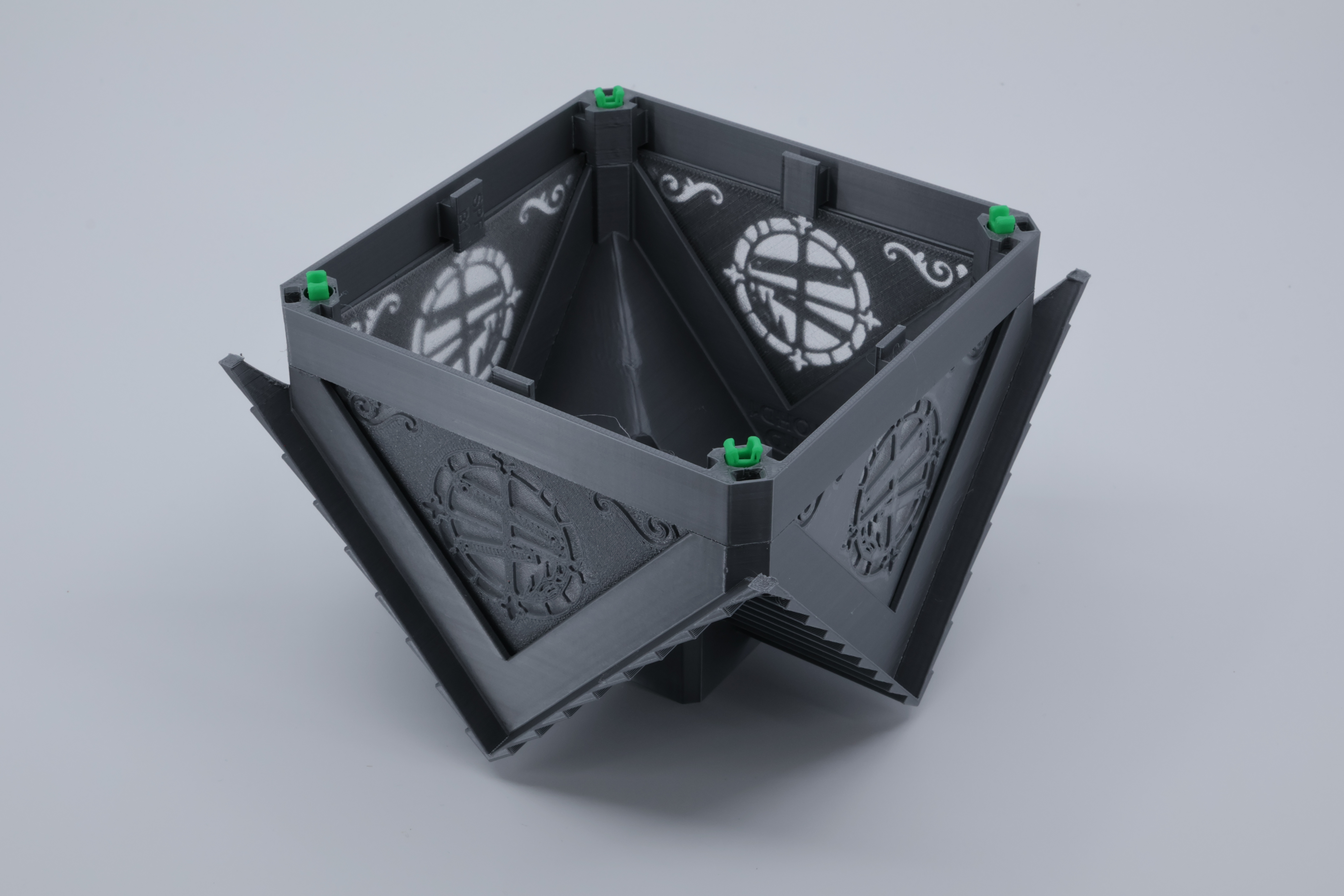
Pop this on top of the core:
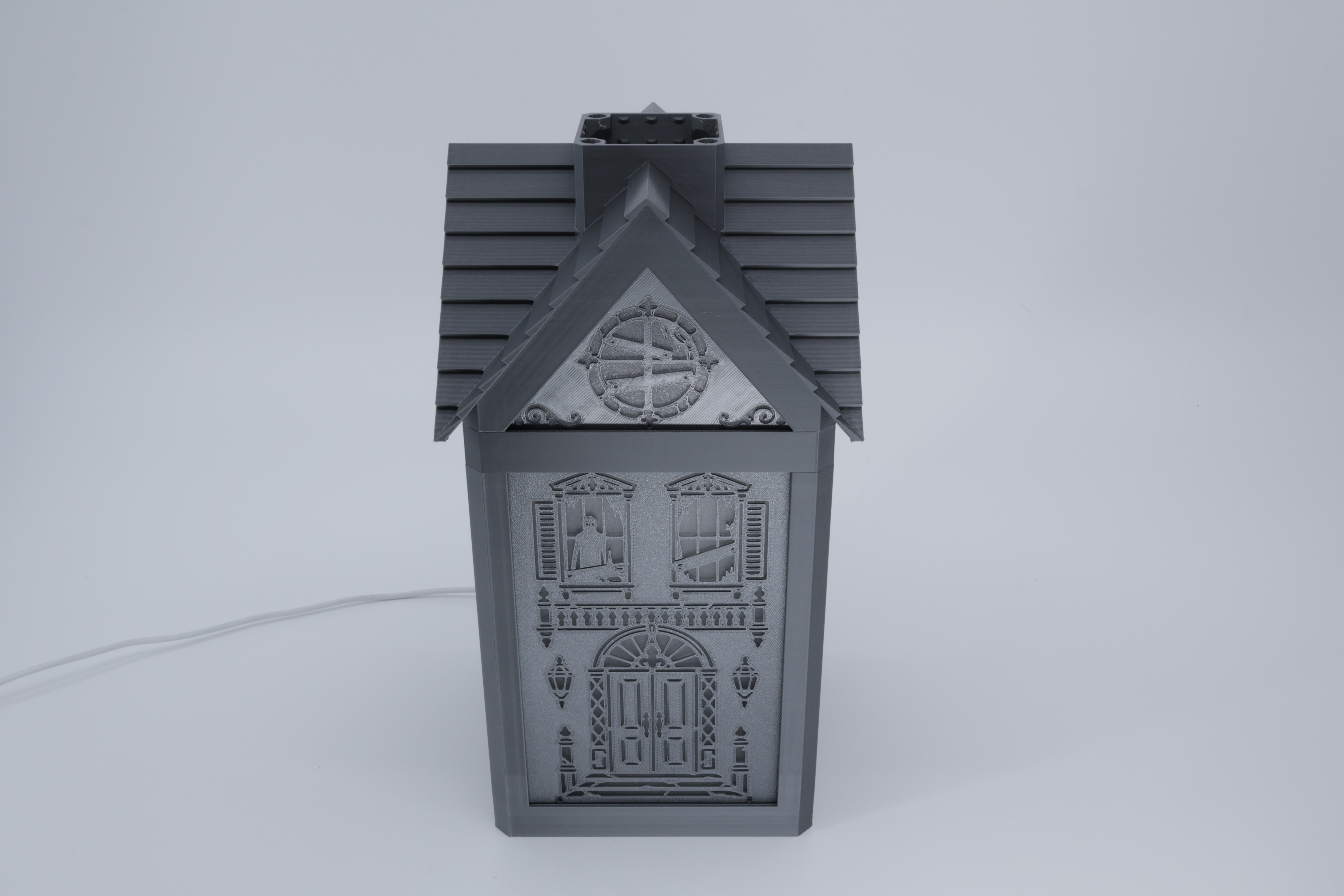
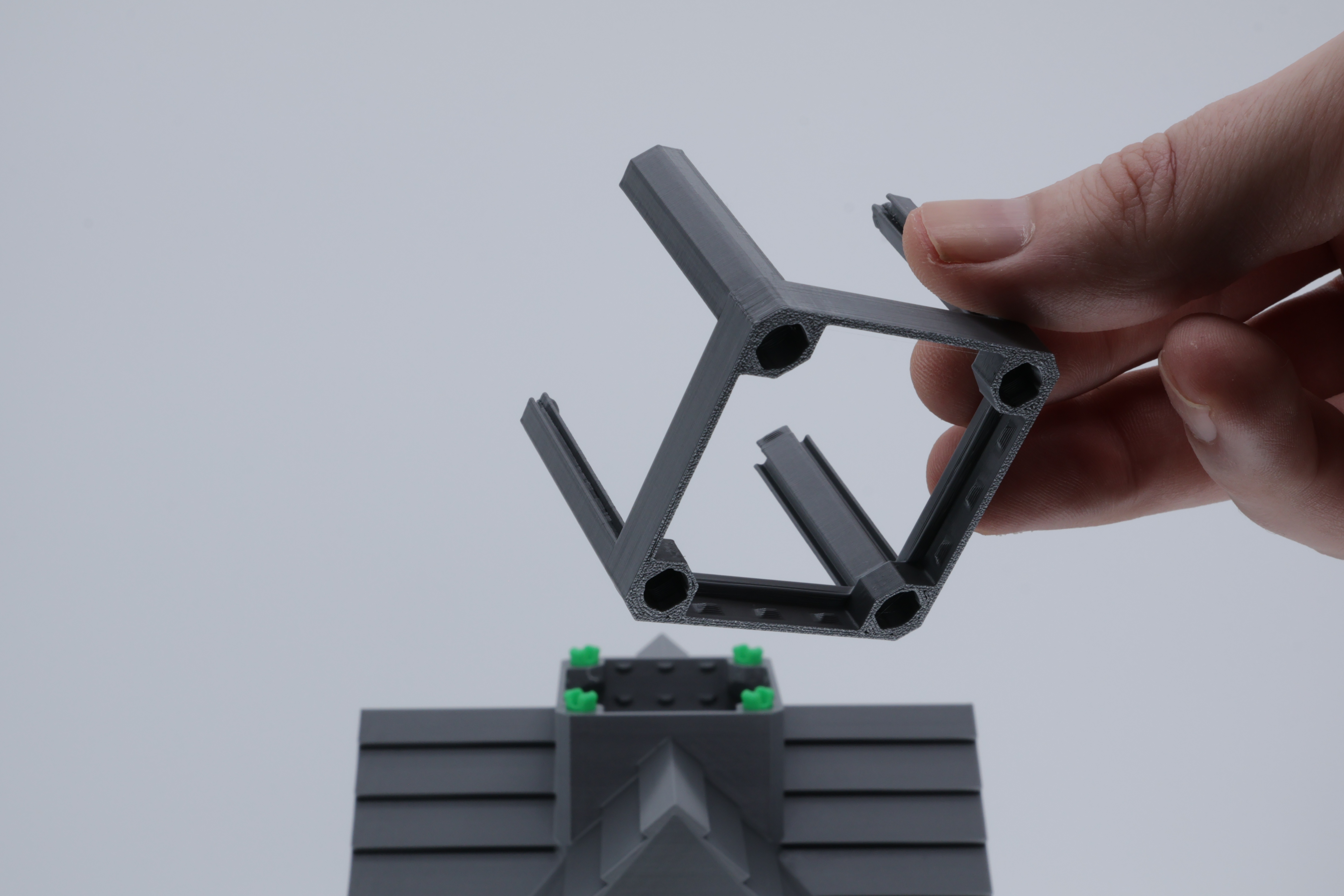
Add 4 more MagFit clips and the ‘Tiny Cube Lantern’ part:
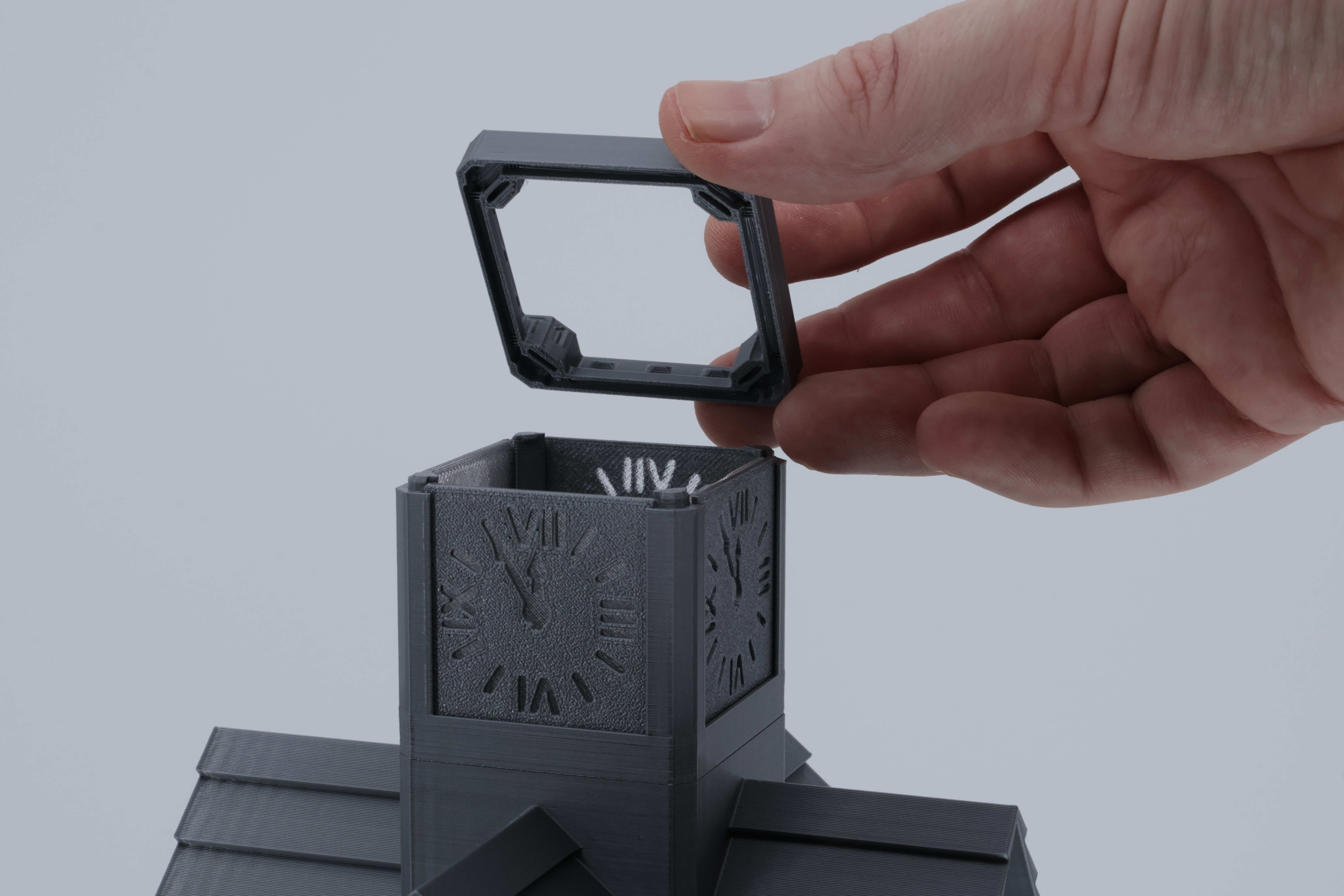
Add the clock face inserts and panels and clip the tiny lantern spacer on top with it's MagFit holes facing upwards.
4 more MagFits and add the Topper:
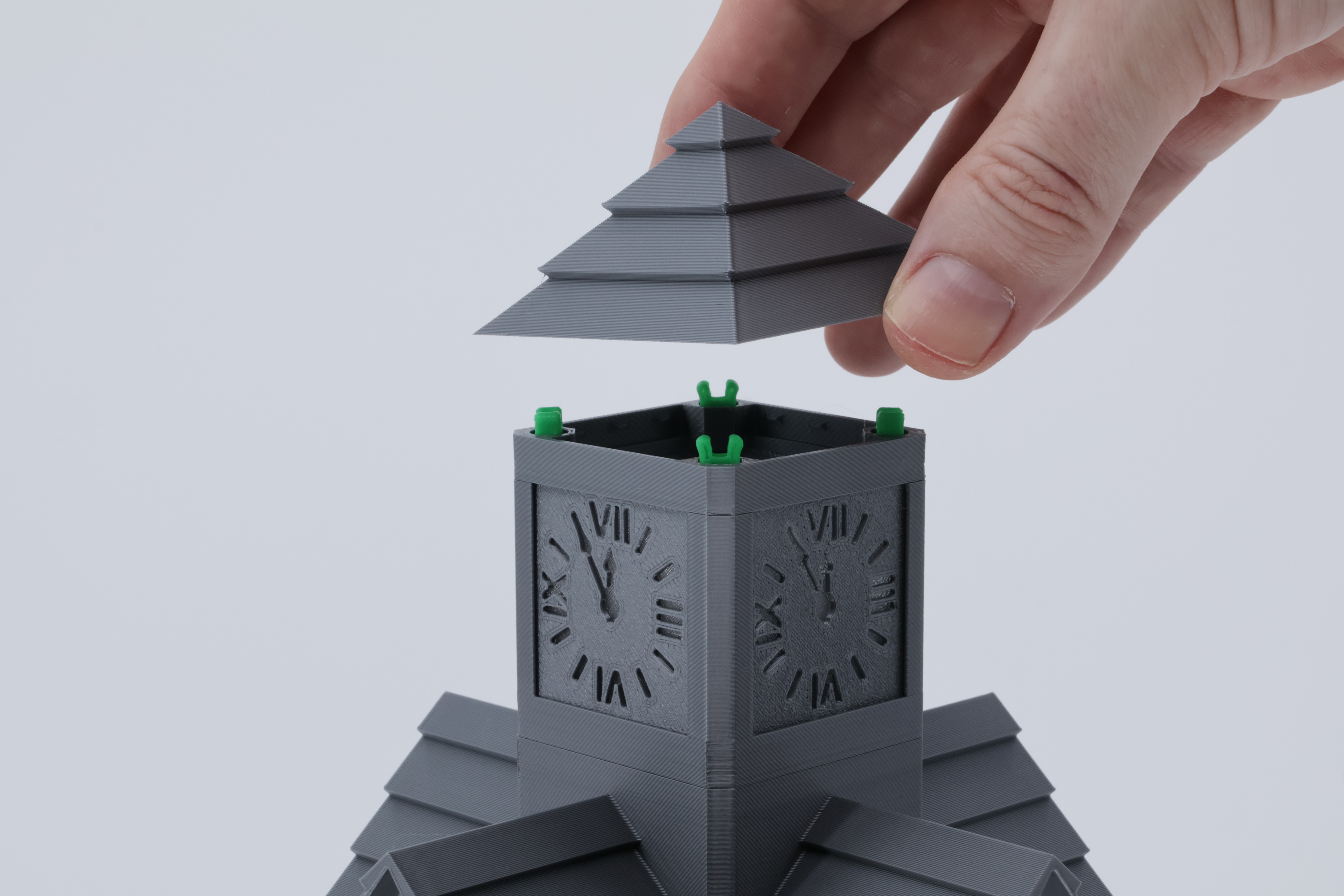
You now have what could be considered a complete lantern:
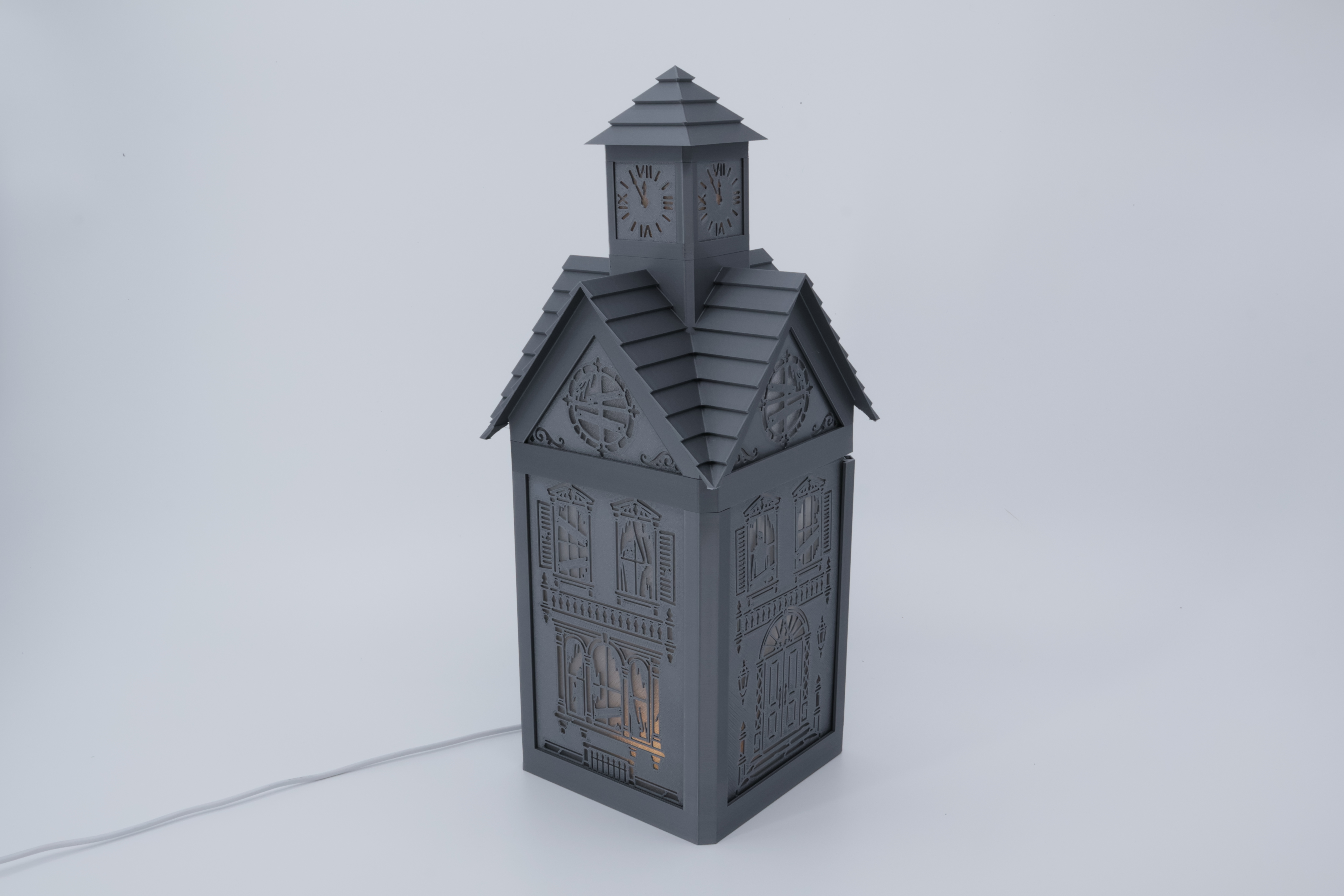
But the Modular Lantern has more to offer you can add a skirt and one is included in the print profile. Just another 4 MagFit clips:
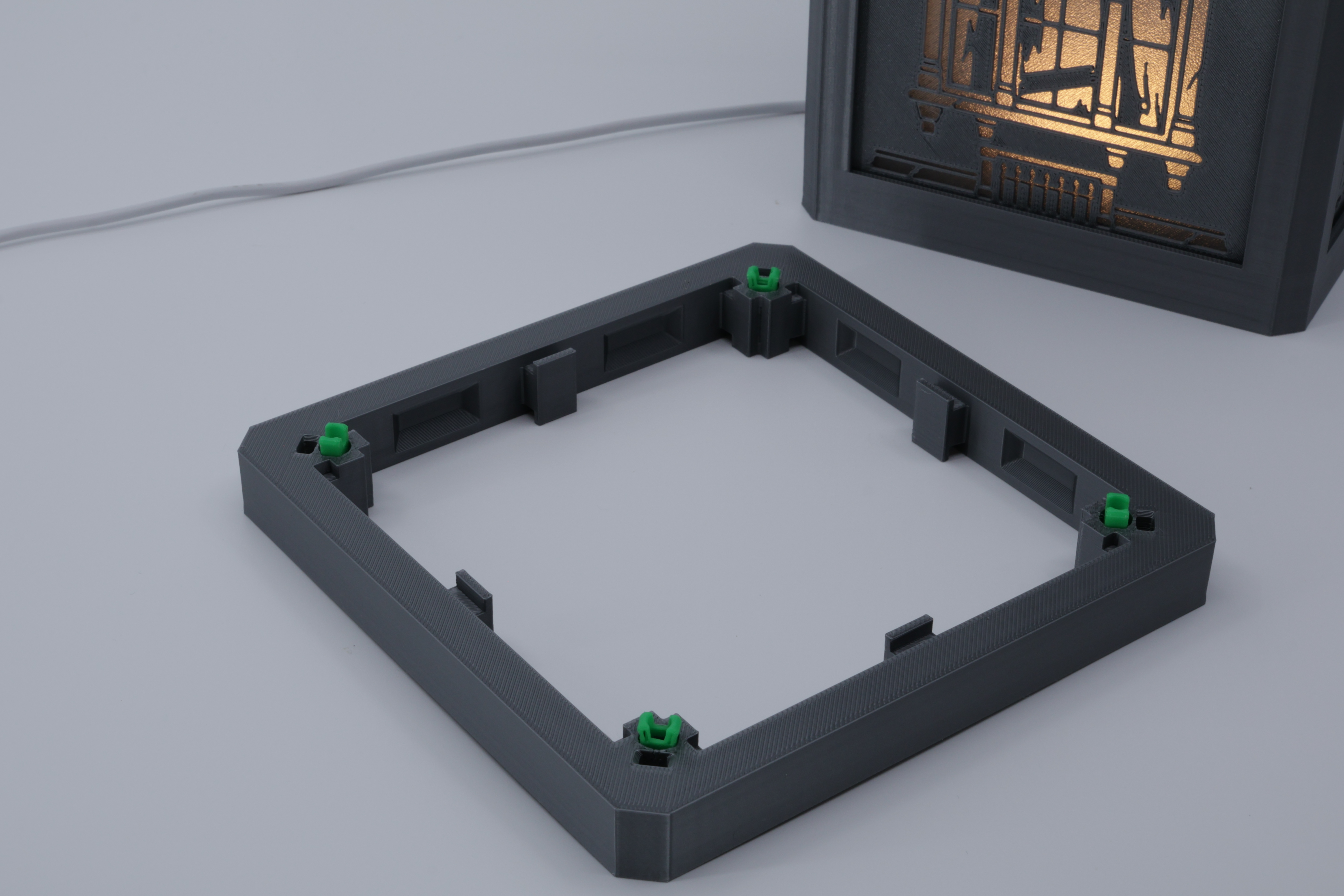
Bingo you're done:
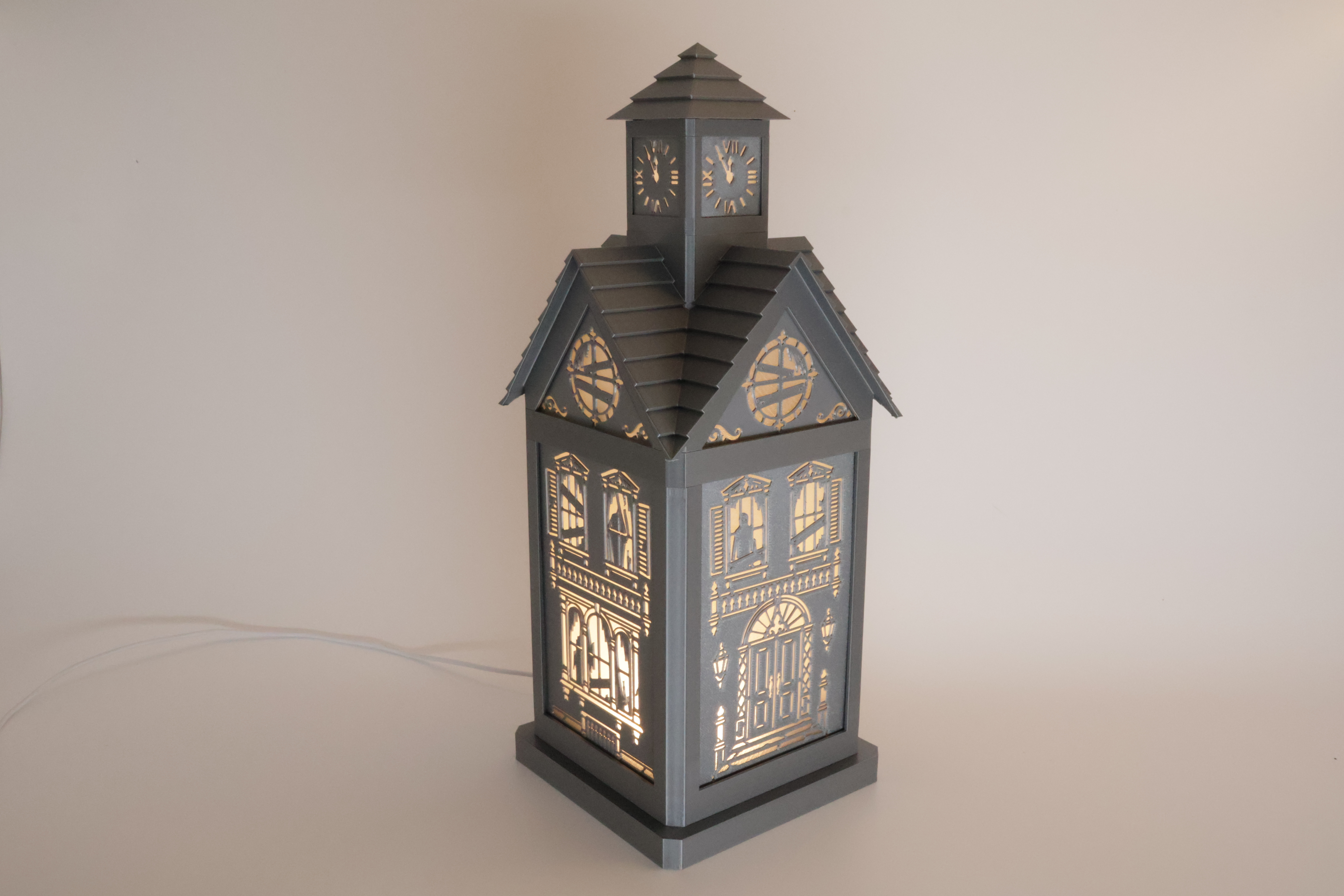
I hope you enjoyed this and take some time to look at some of the other Modular Lantern Parts. Follow me and look out for how you can update the lantern for Christmas.
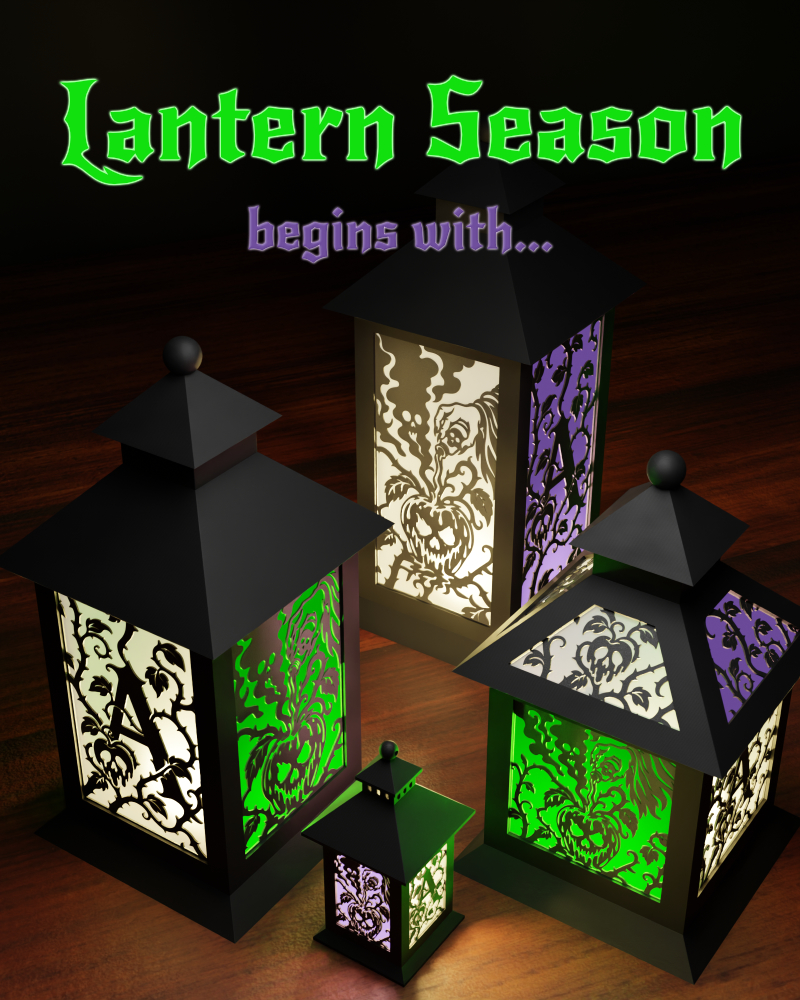
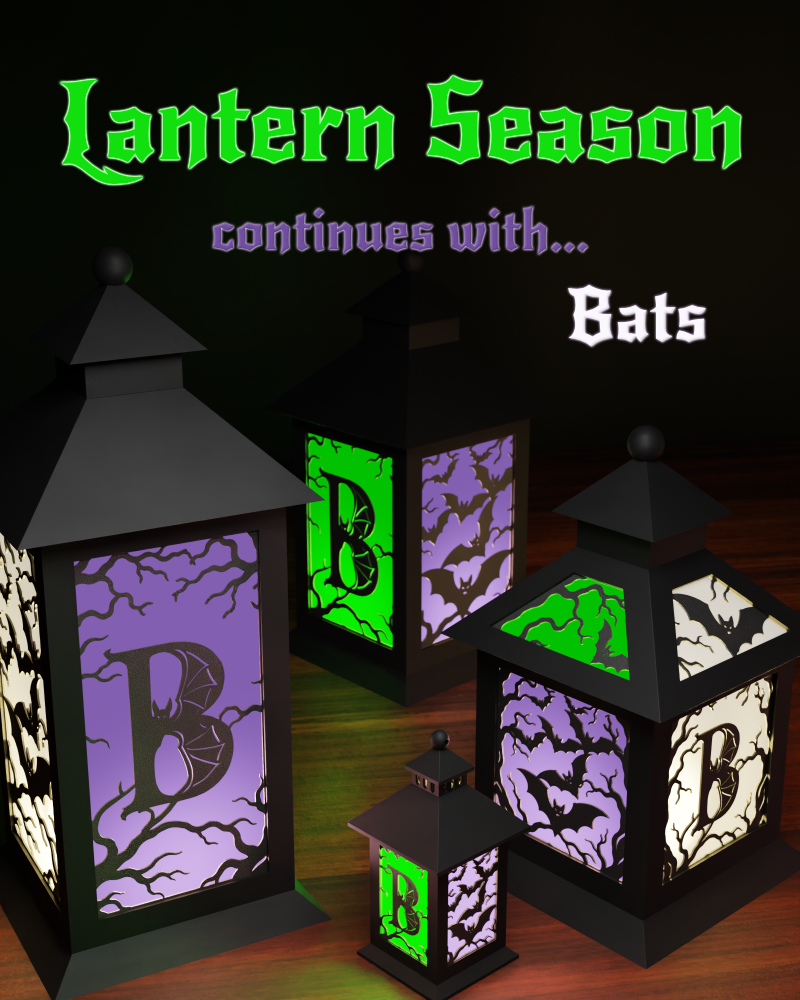
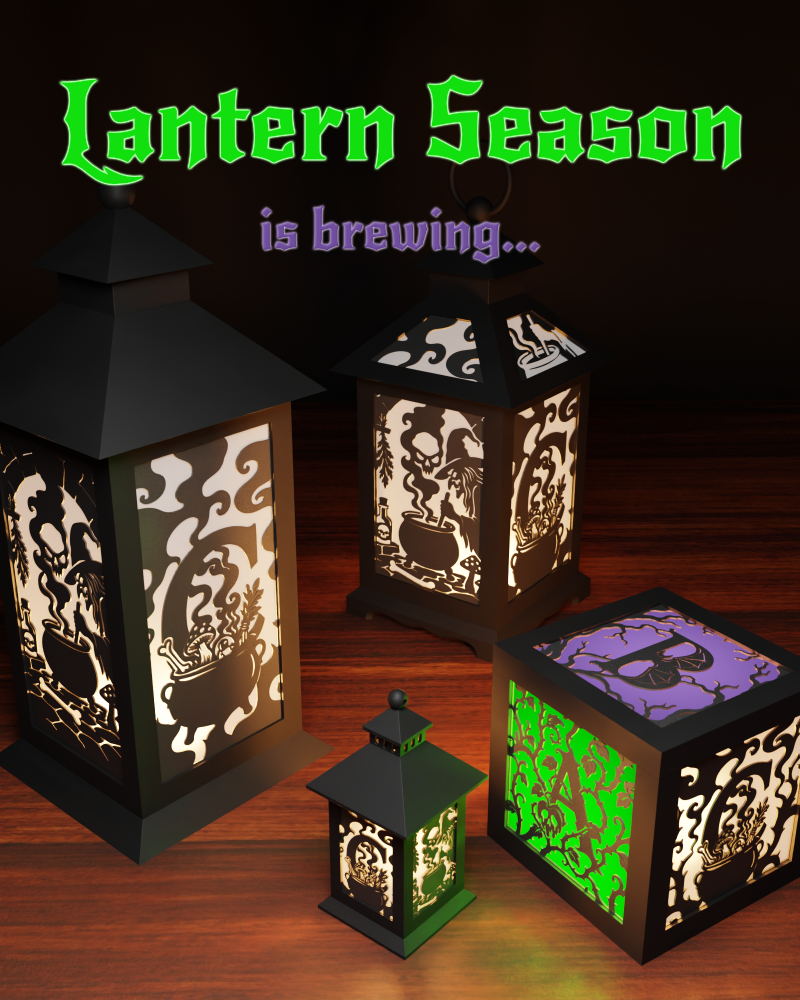
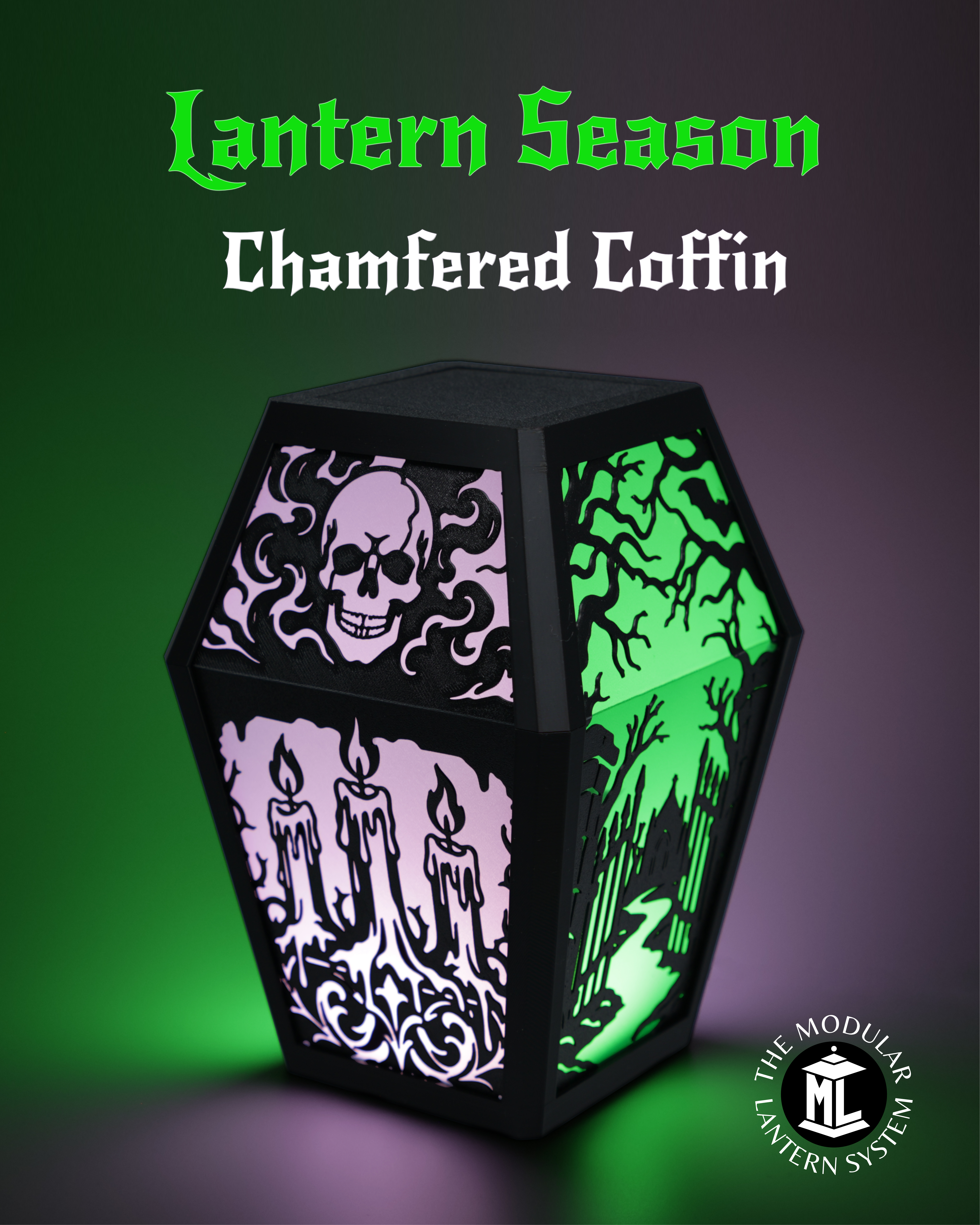
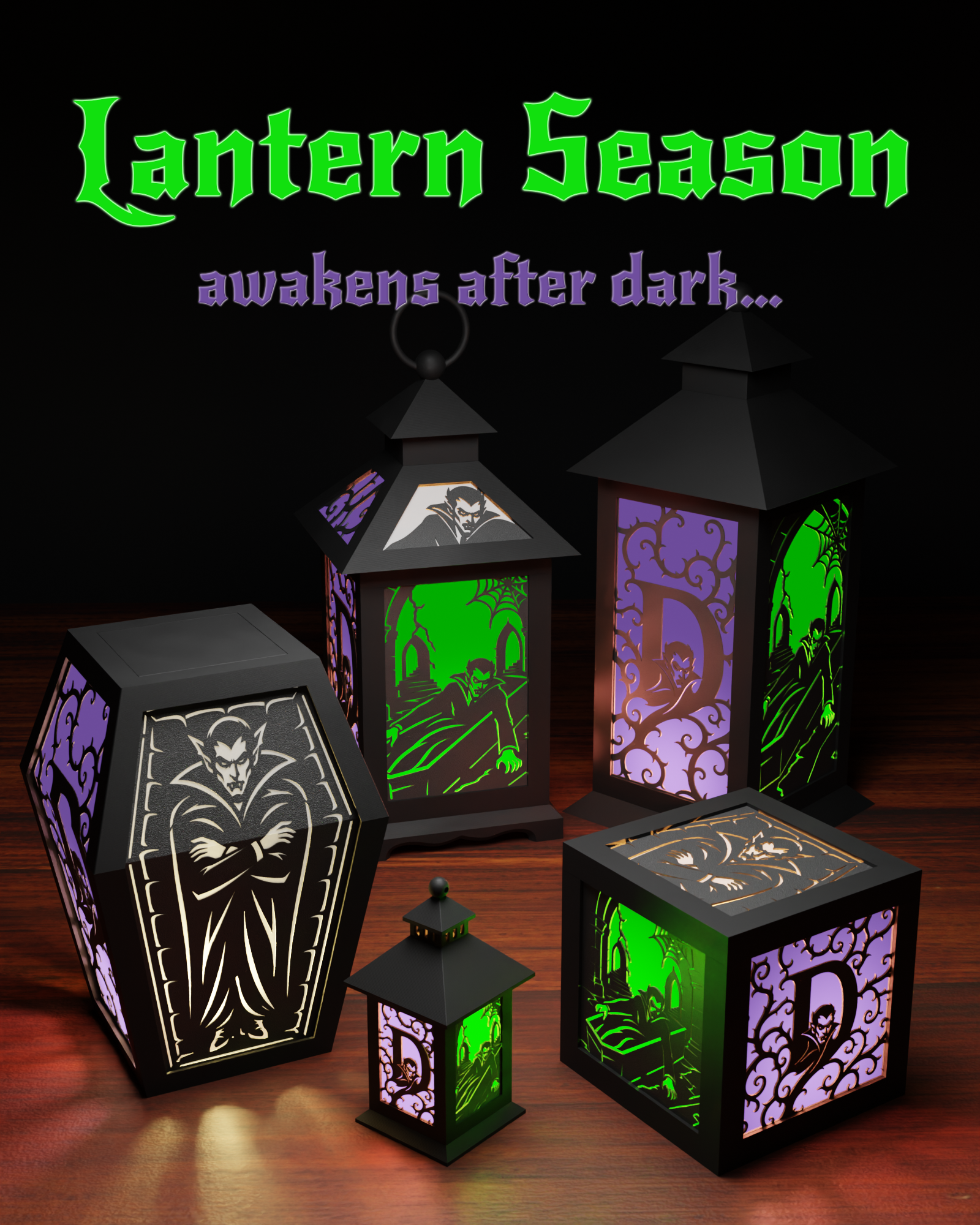
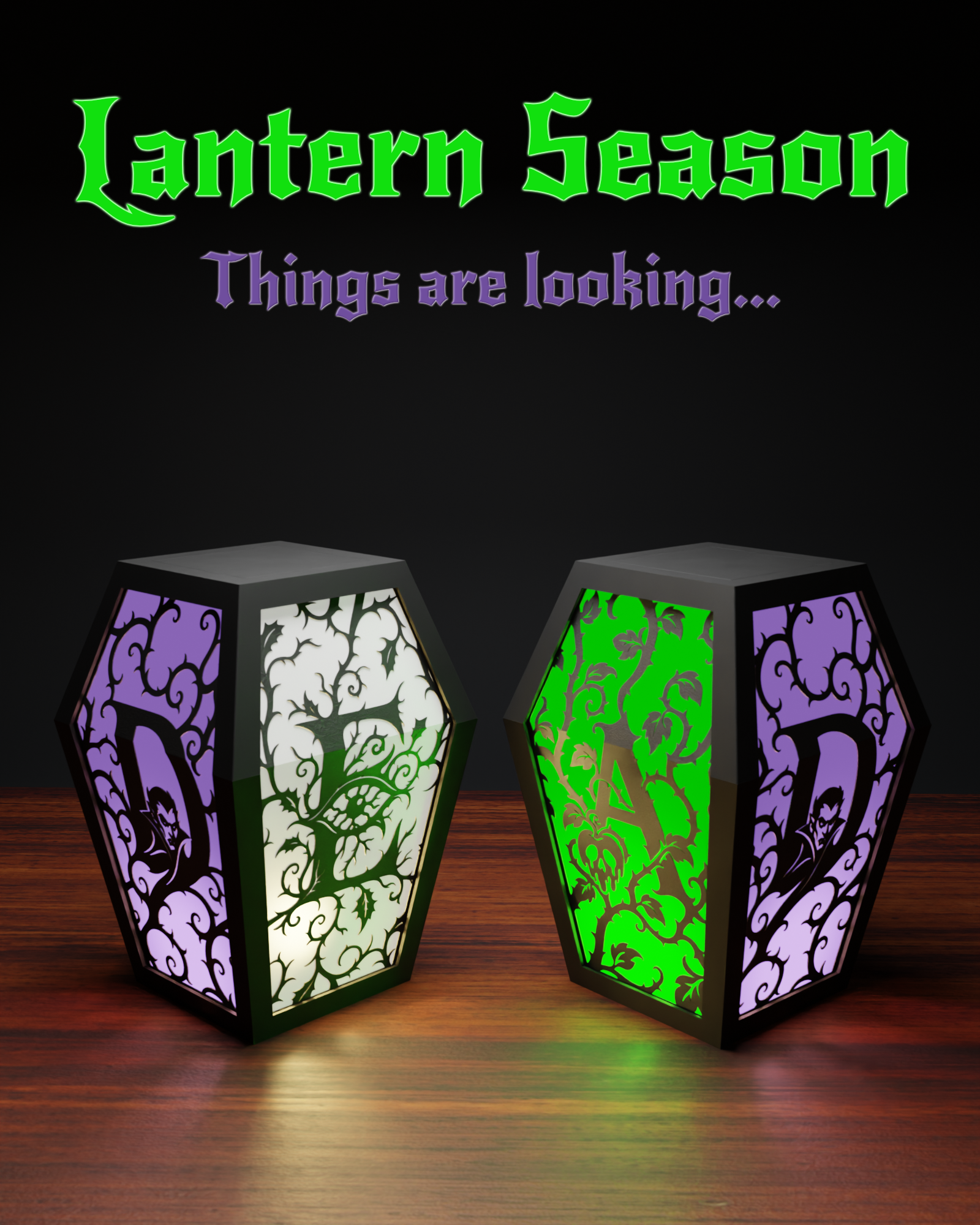
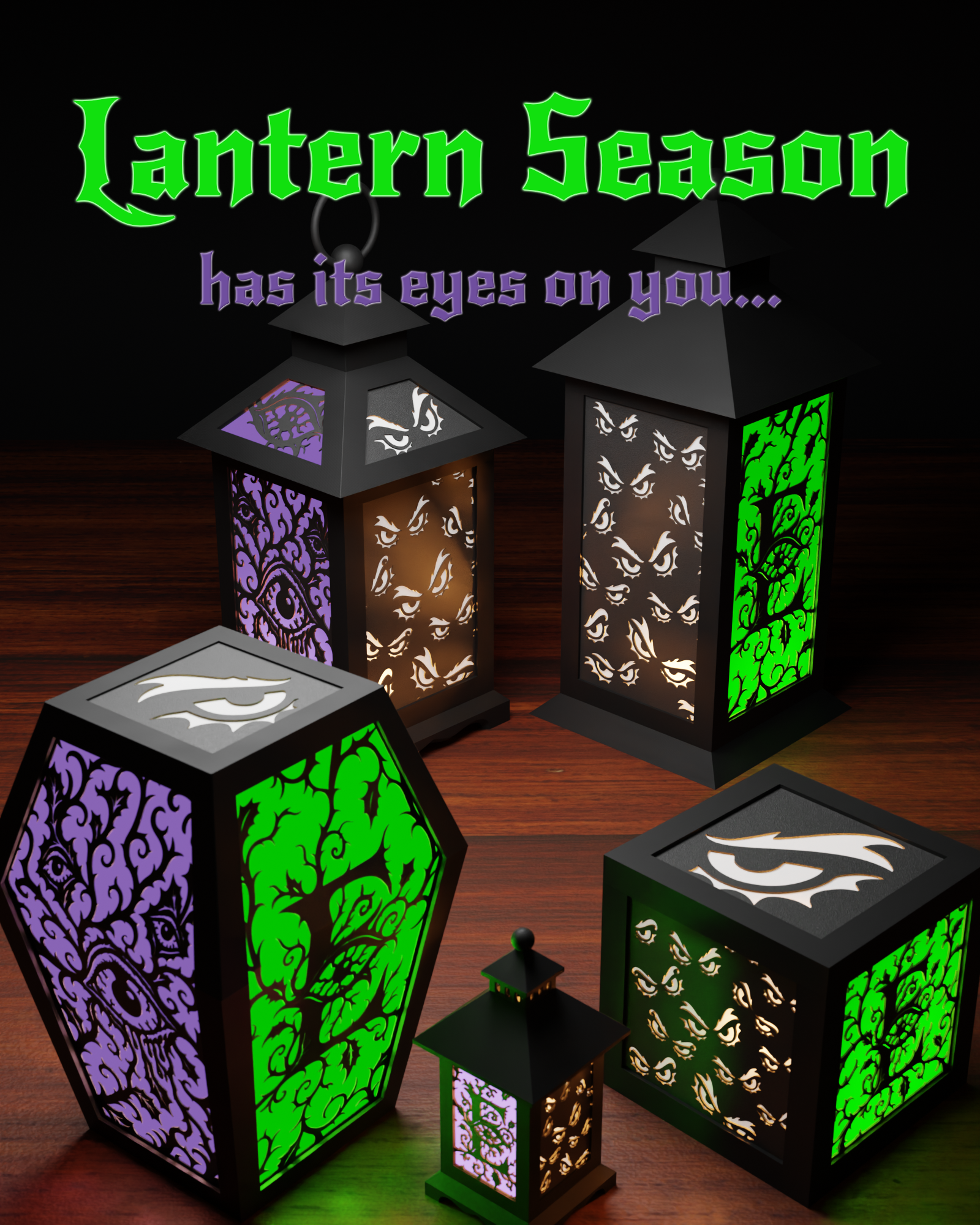
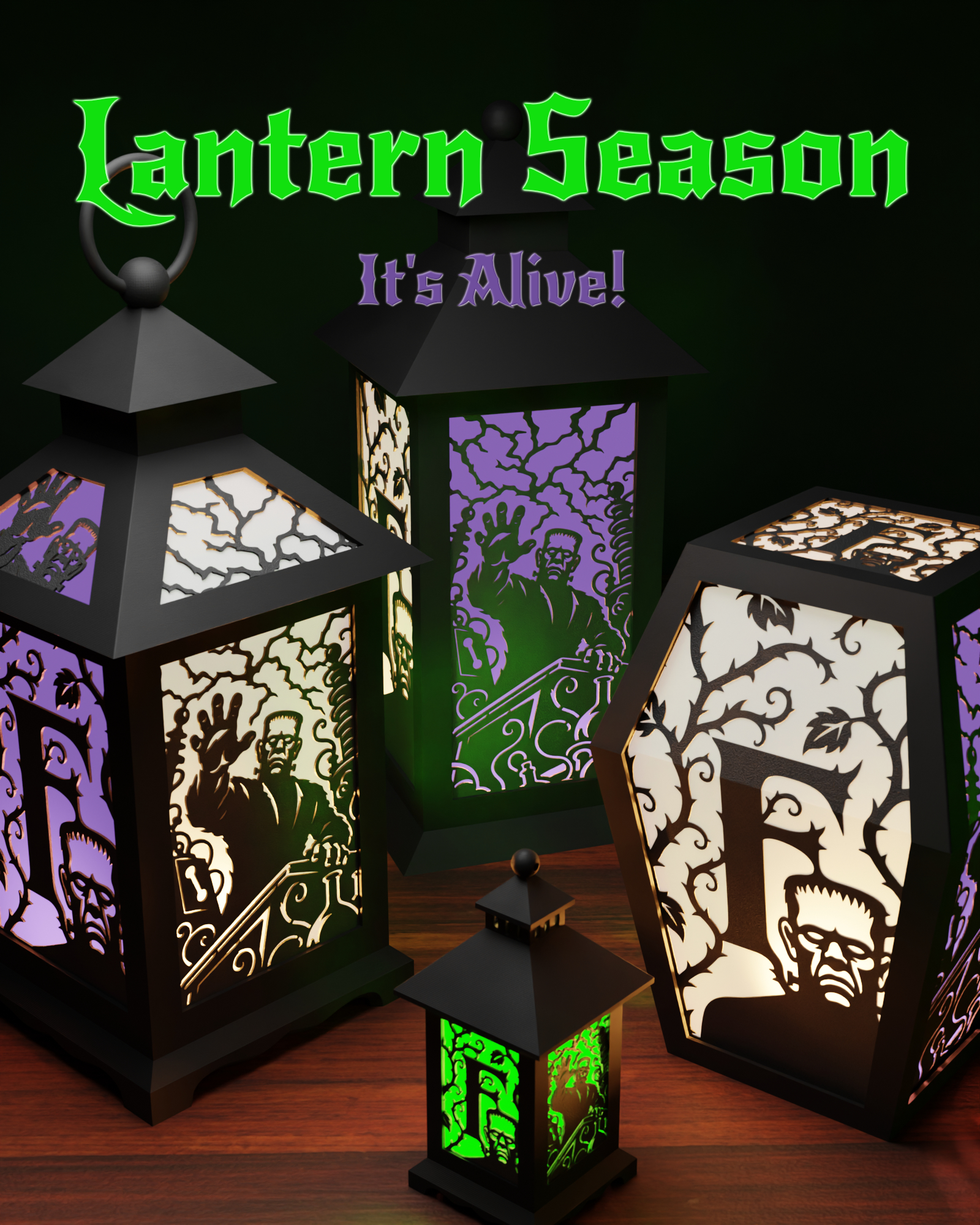
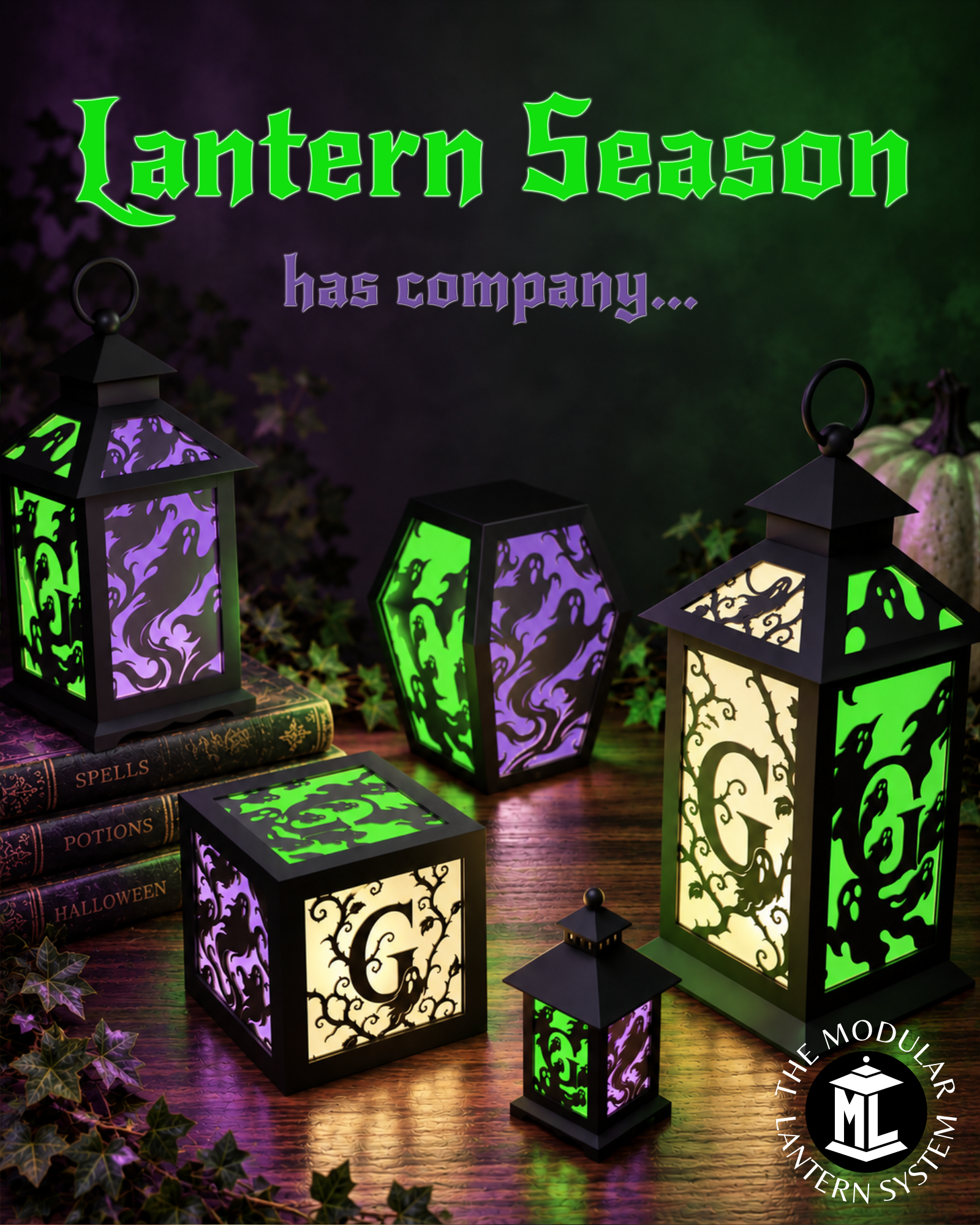
Here are some other inserts I've been releasing this year as part of the Halloween Alphabet which continues….
You are prohibited from sharing, sub-licensing, selling, renting, hosting, transferring, or distributing the digital file or 3D printed versions of this object, as well as any other derivative work in either digital or physical form (including remixes).You are not allowed to use the objects in any manner that involves charging money or collecting fees without permission.
